3.0
Upgrade System Memory
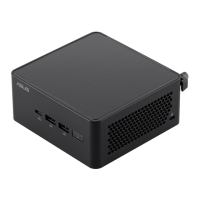
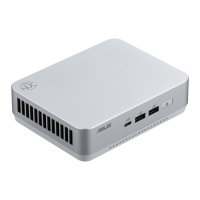
The ASUS NUC 14 Pro+ Mini PC NUC14RVS has two 262-pin DDR5 SO-DIMM sockets.
To upgrade memory, be sure to select memory modules that meet these requirements:
•
1.1V low voltage memory
•
4800/5200/5600 MHz SO-DIMMs
•
Non-ECC
•
Up to 96GB of system memory supported with 2 SO-DIMMs using 48GB
memory modules
Find compatible and validated memory modules in the ASUS Qualified Vendor List:
•
ASUS NUC 14 Pro Qualified Vendor List
If you plan to install only one memory module, install it in the lower
memory socket. Be aware that system performance may be
degraded when running a single memory module.
3.1 Upgrade to Different Memory
1.
Observe the precautions in "Before You Begin" in Section 1.1.
2.
Turn off all peripheral devices connected to the computer.
3.
Turn off the computer and disconnect the power cord.
4.
Remove the computer’s bottom chassis cover.
5.
Remove the pre-installed memory module
a.
Gently spread the retaining clips at each end of the memory socket, which
causes the module to pop out of the socket (C).
b.
Holding the module by the edges, lift it away from the socket, and
store it in an anti-static package.
6.
Install the new memory module
a.
Align the small space at the bottom edge of the memory module
with the key in the socket.
b.
Insert the bottom edge of the module at a 45-degree angle into
the socket (A).
c.
When the module is inserted, push down on the outer edges of
the module until the retaining clips snap into place (B). Make sure
the clips are firmly in place (C).



 To Next Page