Need help?
Do you have a question about the Asus O!PLAY MINI V2 and is the answer not in the manual?
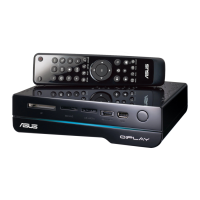
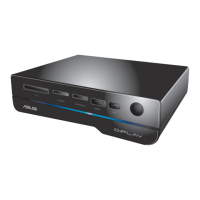
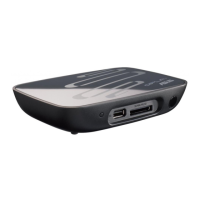
Details the ports and indicators on the front panel of the device.
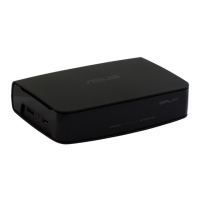
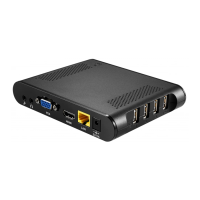
Details the ports and buttons on the rear panel of the device.
Troubleshooting the media player when it does not work due to power adapter problems.
Resolving a blank TV screen and no power LED indication on the media player.
Steps to take if the initial Setup Wizard does not appear on the TV screen.
Diagnosing and fixing issues causing a fuzzy or blinking TV screen display.
Troubleshooting procedures for when the media player cannot find stored media files.
Instructions on how to play a full list of media files, not just a single selection.
Resolving problems where the media player produces no sound.
Specific audio troubleshooting for issues encountered while playing music files.
Solutions for the media player failing to recognize connected USB storage devices.
Troubleshooting steps for a non-responsive media player remote control.
Steps to address situations where a specific operation or function fails.
Guidance on improving slow loading times for media browsing screens.
Information on where to find the user manual and ASUS support resources.
 General
| Brand | Asus |
|---|---|
| Model | O!PLAY MINI V2 |
| Category | Media Player |
| Language | English |

 To Next Page