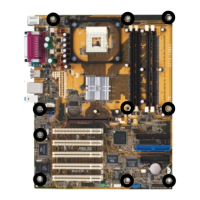
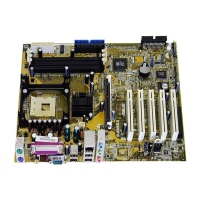
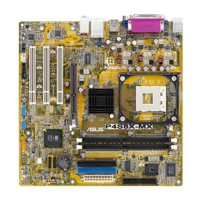
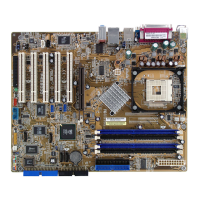
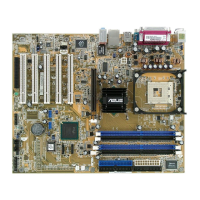
ASUS P4B-MX motherboard user guide
4-19
Delayed Transaction [Disabled]
When set to [Enabled], this feature frees the PCI bus when the CPU is
accessing 8-bit ISA cards. This process normally consumes about 50-60
PCI Clocks without PCI delayed transaction. Set this field to [Disabled]
when using ISA cards that are not PCI 2.1 compliant. Configuration
options: [Enabled] [Disabled]
Onboard PCI IDE [Both]
This field allows tou to enable either the primary IDE channel or secondary
IDE channel, or both. You can also set both channels to [Disabled].
Configuration options: [Both] [Primary] [Secondary] [Disabled]
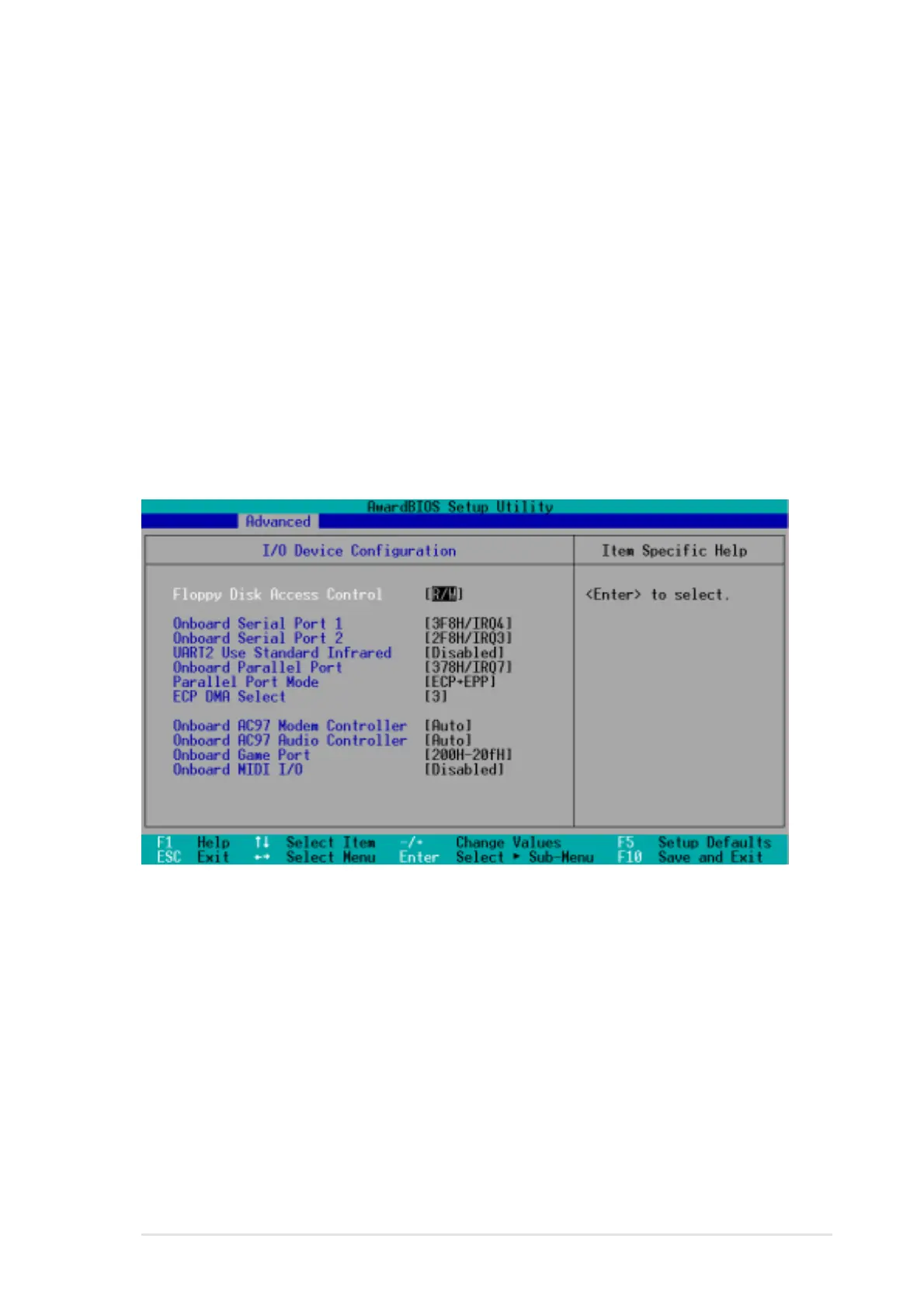
4.4.2 I/O Device Configuration
Floppy Disk Access Control [R/W]
When set to [Read Only], this parameter protects files from being copied to
floppy disks by allowing reads from, but not writes to, the floppy disk drive.
The default setting [R/W] allows both reads and writes. Configuration
options: [R/W] [Read Only]
Onboard Serial Port 1 [3F8H/IRQ4]
Onboard Serial Port 2 [2F8H/IRQ3]
These fields allow you to set the addresses for the onboard serial
connectors. Serial Port 1 and Serial Port 2 must have different addresses.
Configuration options: [3F8H/IRQ4] [2F8H/IRQ3] [3E8H/IRQ4] [2E8H/
IRQ10] [Disabled]



 To Next Page