ASUS P5AD2-E PremiumASUS P5AD2-E Premium
ASUS P5AD2-E PremiumASUS P5AD2-E Premium
ASUS P5AD2-E Premium
2-292-29
2-292-29
2-29
7.7.
7.7.
7.
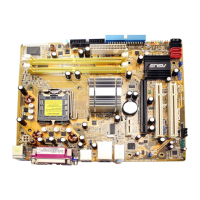
Optical drive audio connector (4-pin CD)Optical drive audio connector (4-pin CD)
Optical drive audio connector (4-pin CD)Optical drive audio connector (4-pin CD)
Optical drive audio connector (4-pin CD)
This connector is for the 4-pin audio cable that connects to the audio
connector at the back of the optical drive.
Enable the CD-IN function in the audio utility when using this
connector.
6.6.
6.6.
6.
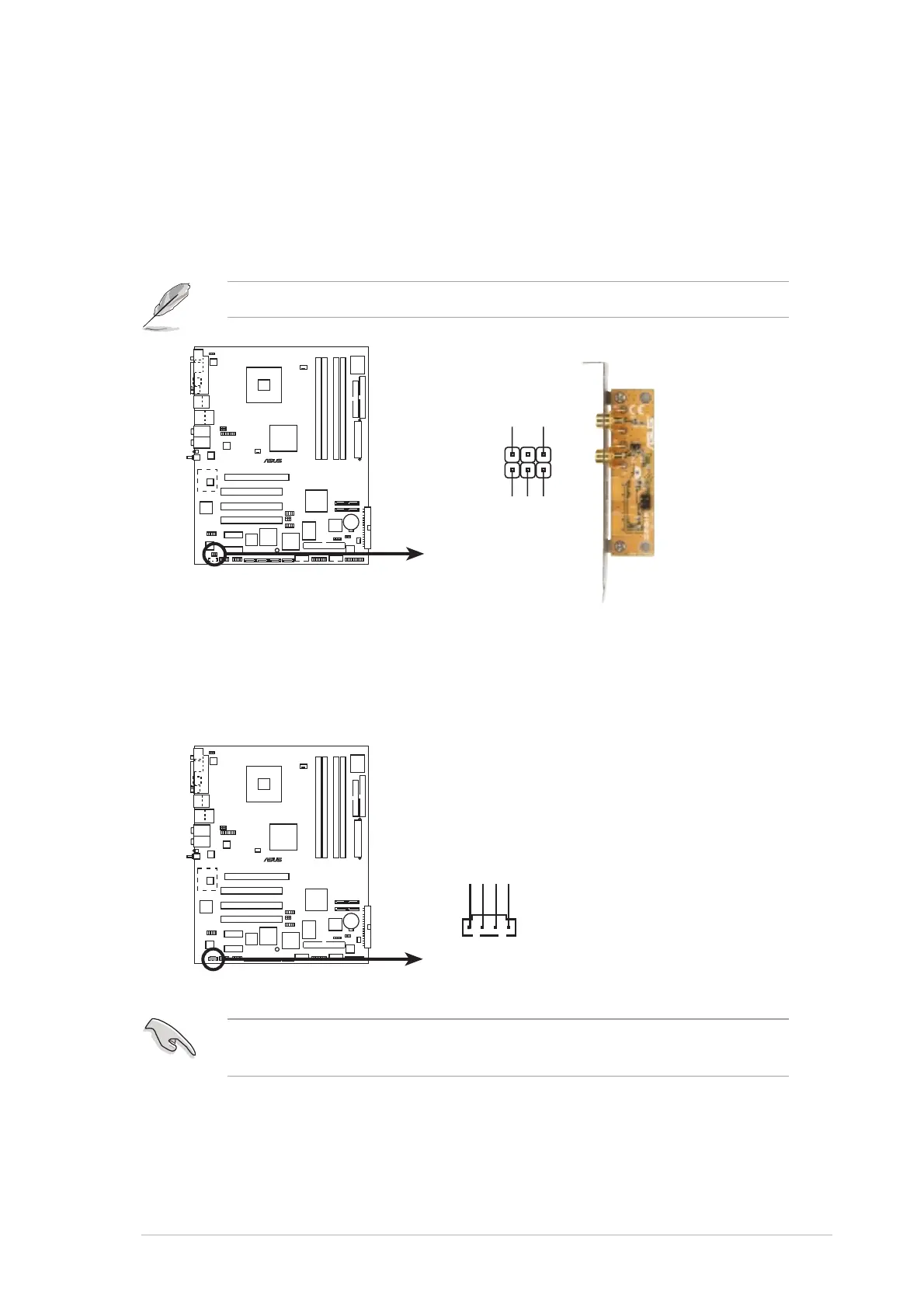
Digital audio connector (6-1 pin SPDIF)Digital audio connector (6-1 pin SPDIF)
Digital audio connector (6-1 pin SPDIF)Digital audio connector (6-1 pin SPDIF)
Digital audio connector (6-1 pin SPDIF)
This connector is for an additional Sony/Philips Digital Interface
(S/PDIF) port(s). Connect the S/PDIF module cable to this connector,
then install the module to a slot opening at the back of the system
chassis.
The S/PDIF module is purchased separately.
P5AD2-E
PREMIUM
®
P5AD2-E PREMIUM Digital audio connector
SPDIF
GND
+5V
SPDIF_IN
SPDIF_OUT
GND
1
P5AD2-E
PREMIUM
®
P5AD2-E PREMIUM CD audio connector
CD
Right Audio Channel
Left Audio Channel
Ground
Ground



 To Next Page