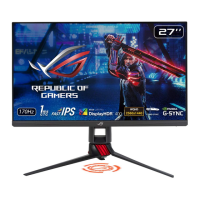
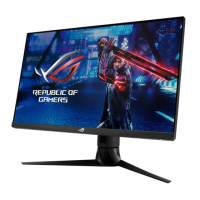
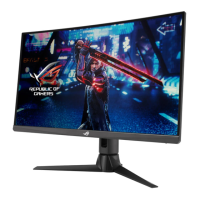
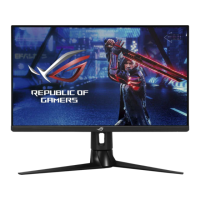
2-1ROG Strix XG259CMS Series Gaming LCD Monitor
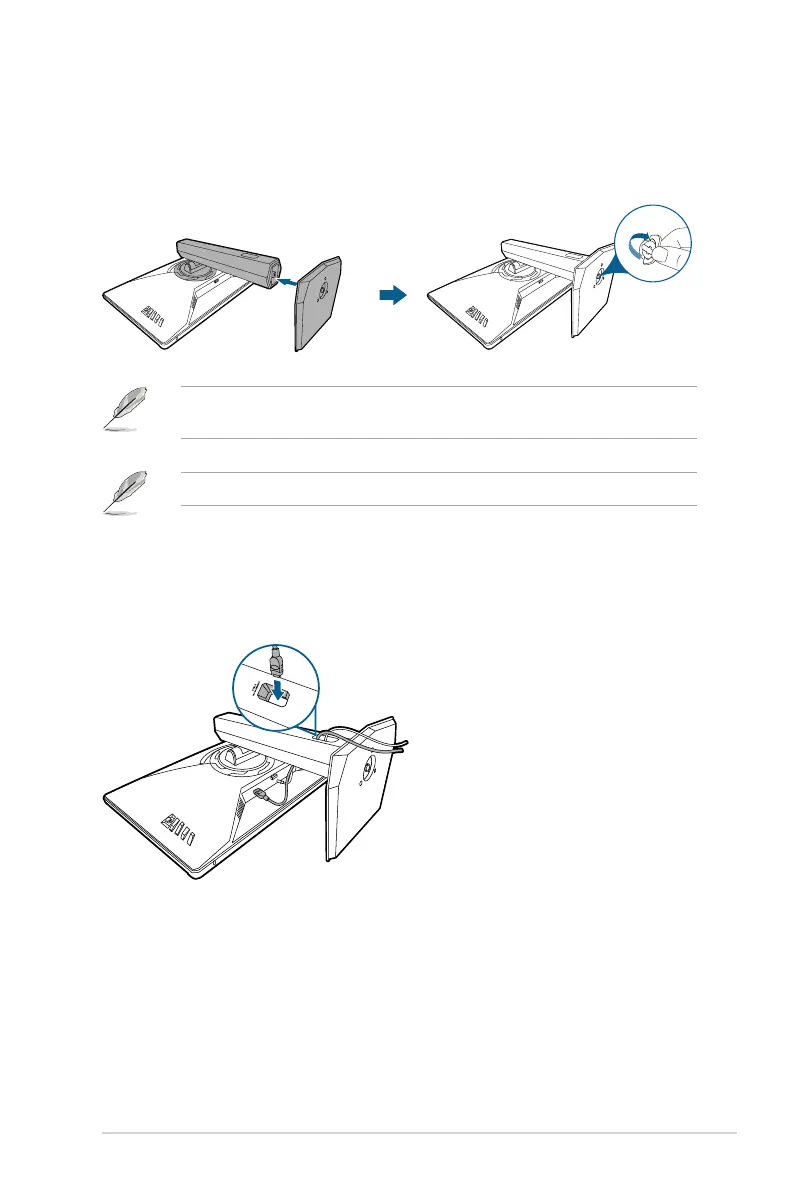
2.1 Assembling the monitor arm/base
1. Insert the base into the arm.
2. Fix the base to the arm by fastening the bundled screw.
We recommend that you cover the table surface with soft cloth to prevent
damage to the monitor.
Base screw size: M6 x 15 mm.
2.2 Cable management
You can organize the cables with the help of the cable management hole.
• Arranging the cables





 To Next Page