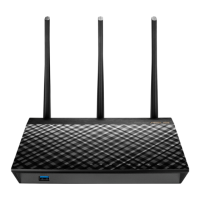
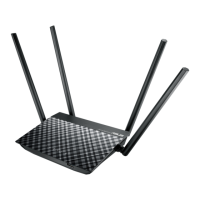
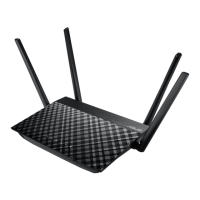
103
The client cannot establish a wireless connection with the
router.
NOTE: If you are having issues connecting to 5Ghz network, make
sure that your wireless device supports 5Ghz or features dual band
capabilities.
• OutofRange:
• Movetherouterclosertothewirelessclient.
• Trytoadjustantennasoftheroutertothebestdirectionas
described in section 1.4 Positioning your router.
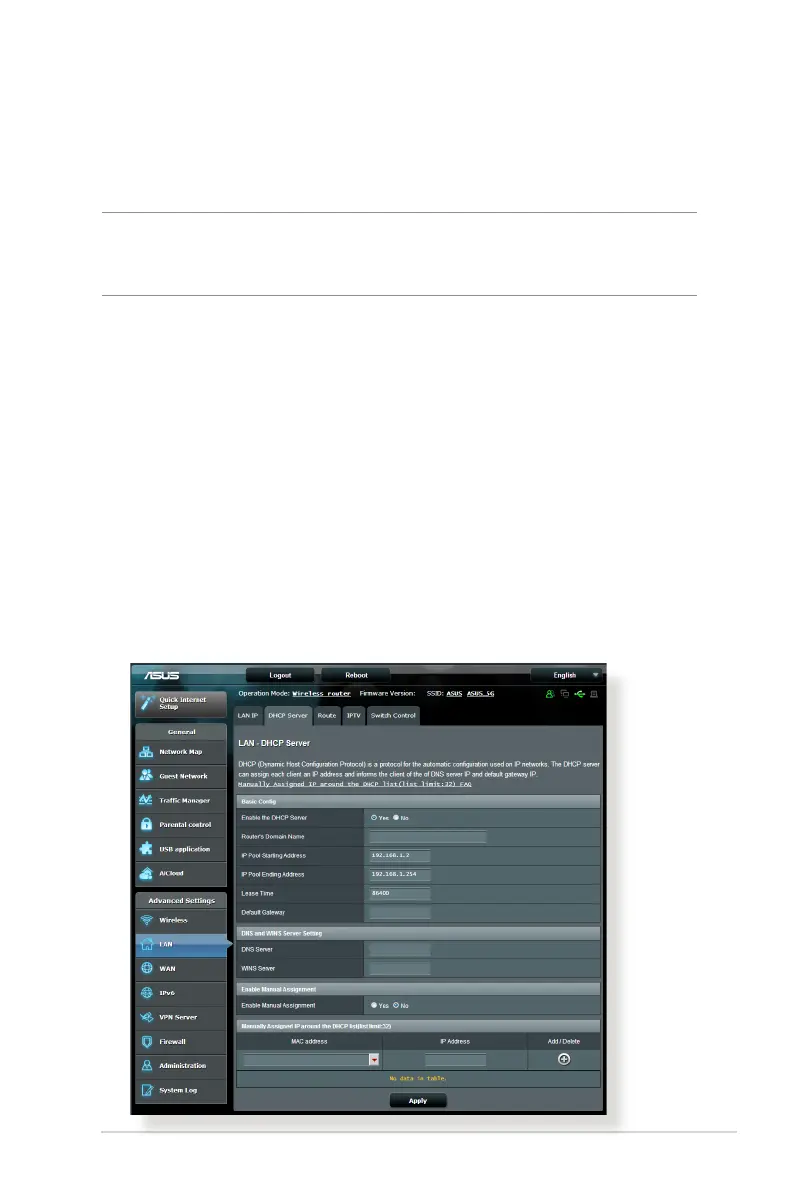
• DHCPserverhasbeendisabled:
1. Launch the web GUI. Go to General > Network Map>
Clients and search for the device that you want to connect
to the router.
2. If you cannot find the device in the Network Map, go to
Advanced Settings > LAN > DHCP Server, Basic Config
list, select Ye s on the Enable the DHCP Server.


 To Next Page