10
1.4 Positioning your router
For the best wireless signal transmission between the wireless
router and the network devices connected to it, ensure that you:
• Placethewirelessrouterinacentralizedareaforamaximum
wireless coverage for the network devices.
• Keepthedeviceawayfrommetalobstructionsandawayfrom
direct sunlight.
• Keepthedeviceawayfrom802.11gor20MHzonlyWi-Fi
devices, 2.4GHz computer peripherals, Bluetooth devices,
cordlessphones,transformers,heavy-dutymotors,fluorescent
lights, microwave ovens, refrigerators, and other industrial
equipment to prevent signal interference or loss.
• Alwaysupdatetothelatestfirmware.VisittheASUSwebsiteat
http://www.asus.com to get the latest firmware updates.
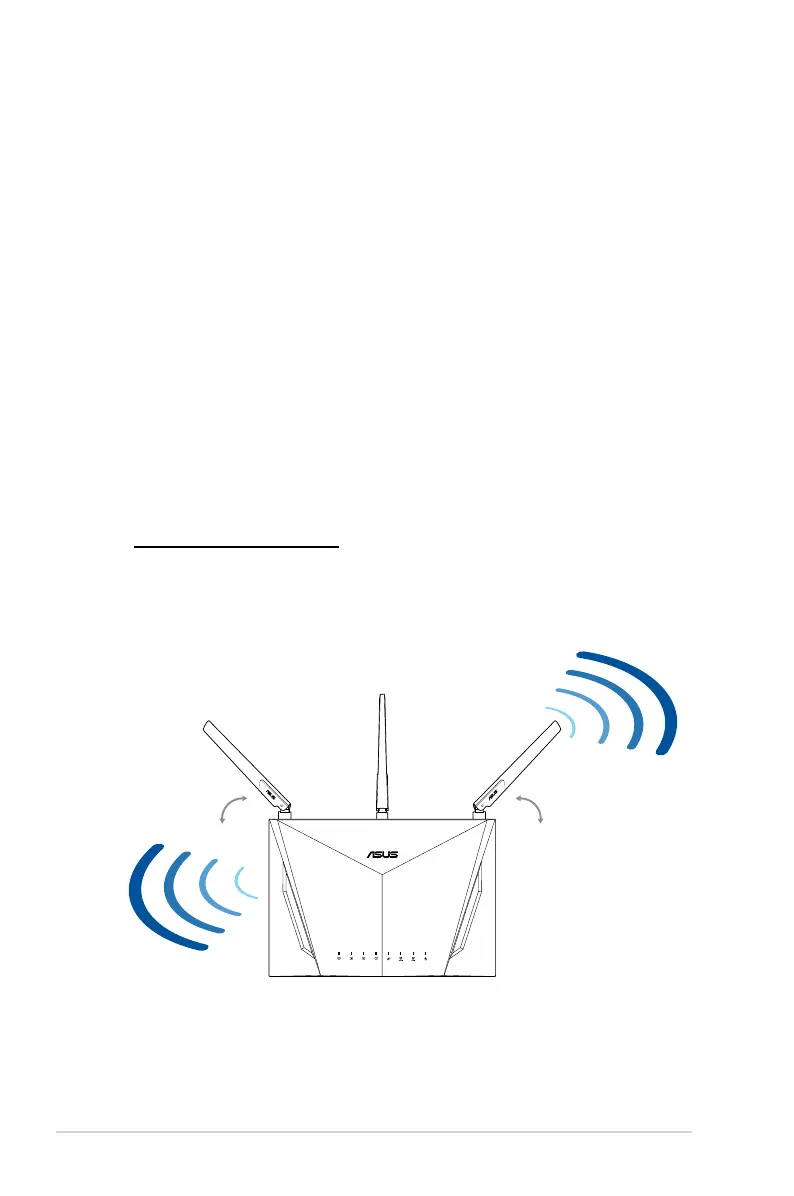
• Toensurethebestwirelesssignal,orientthefourdetachable
antennas as shown in the drawing below.
45° 90° 45°


 To Next Page