96
4. Run Firmware Restoration utility.
5. Specify a firmware file, then click Upload.
NOTE: This is not a firmware upgrade utility and cannot be used on
a working ASUS Wireless Router. Normal firmware upgrades must be
done through the web interface. Refer to Chapter 4: Configuring the
Advanced Settings for more details.
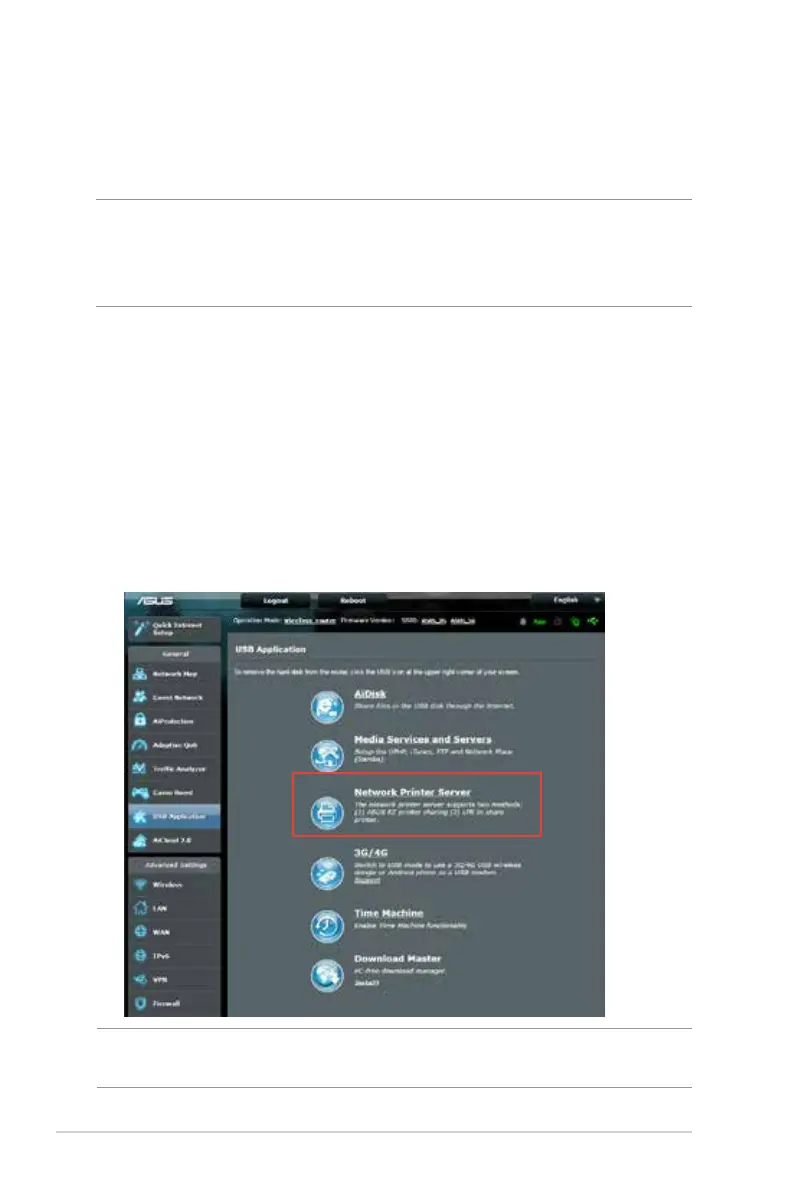
5.3 Setting up your printer server
5.3.1 ASUS EZ Printer Sharing
ASUS EZ Printing Sharing utility allows you to connect a USB
printer to your wireless router’s USB port and set up the print
server. This allows your network clients to print and scan files
wirelessly.
NOTE: The print server function is supported on Windows® XP,
Windows® Vista, and Windows® 7.


 To Next Page