63
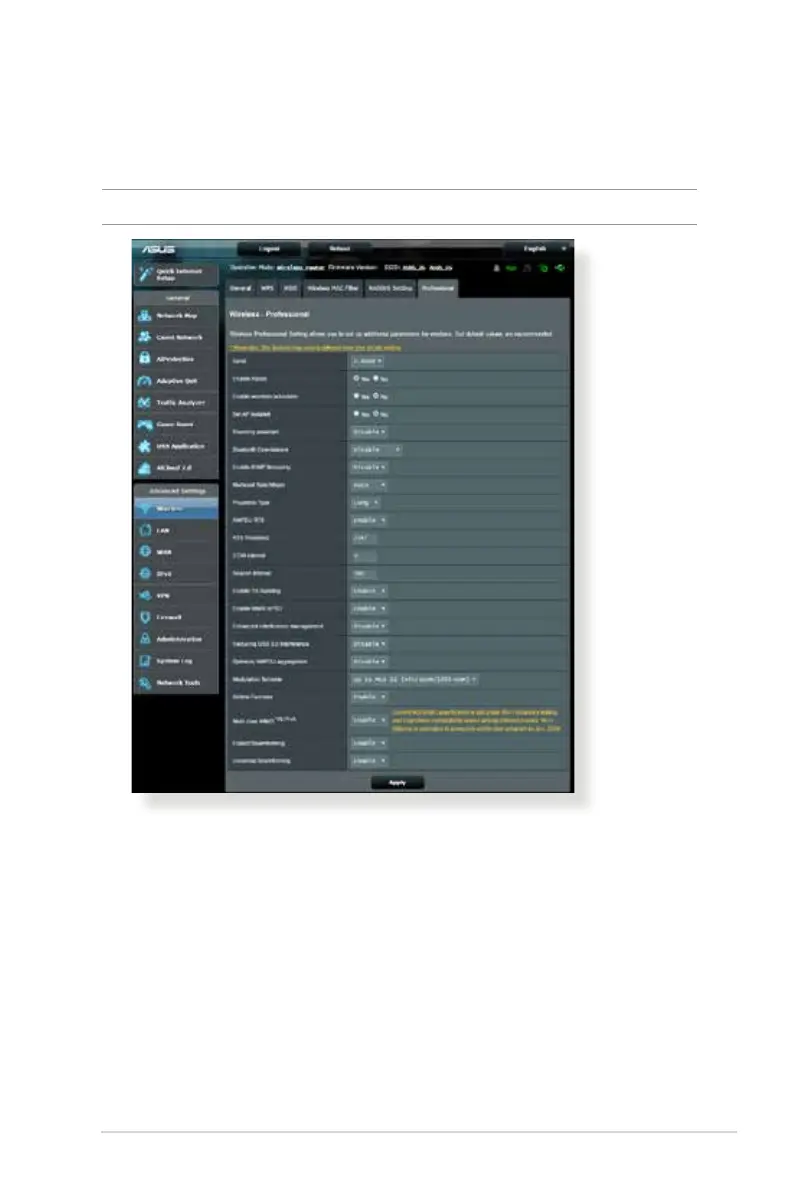
In the Professional Settings screen, you can configure the
following:
• Band: Select the frequency band that the professional
settings will be applied to.
• Enable Radio: Select Yes to enable wireless networking.
Select No to disable wireless networking.
4.1.6 Professional
The Professional screen provides advanced configuration options.
NOTE: We recommend that you use the default values on this page.


 To Next Page