35
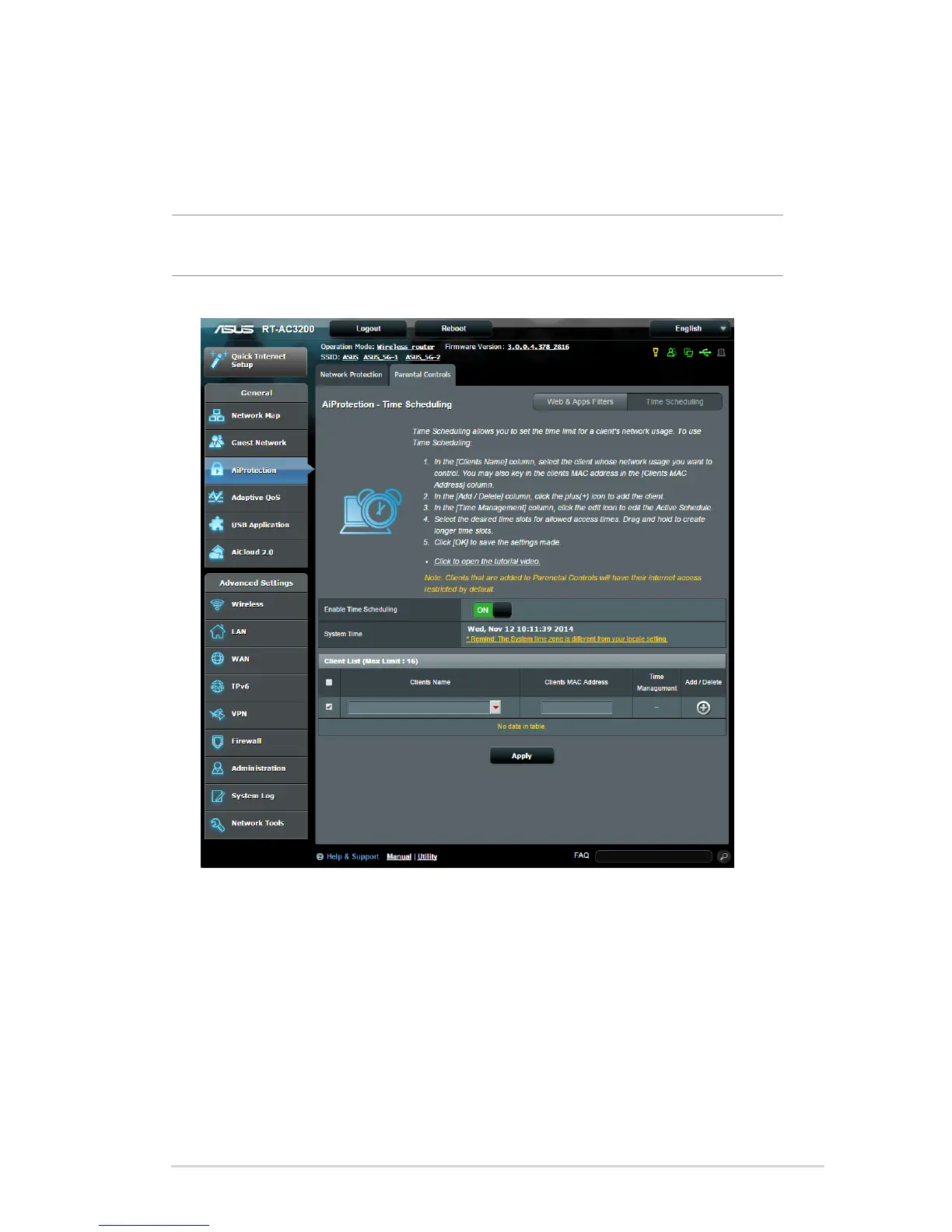
Time Scheduling
Time Scheduling allows you to set the time limit for a client’s
network usage.
NOTE: Ensure that your system time is synchronized with the NTP
server.
To configure Time Scheduling:
1. From the navigation panel, go to General >AiProtection >
Parental Controls > Time Scheduling.
2. From the Enable Time Scheduling pane, click ON.



 To Next Page