38
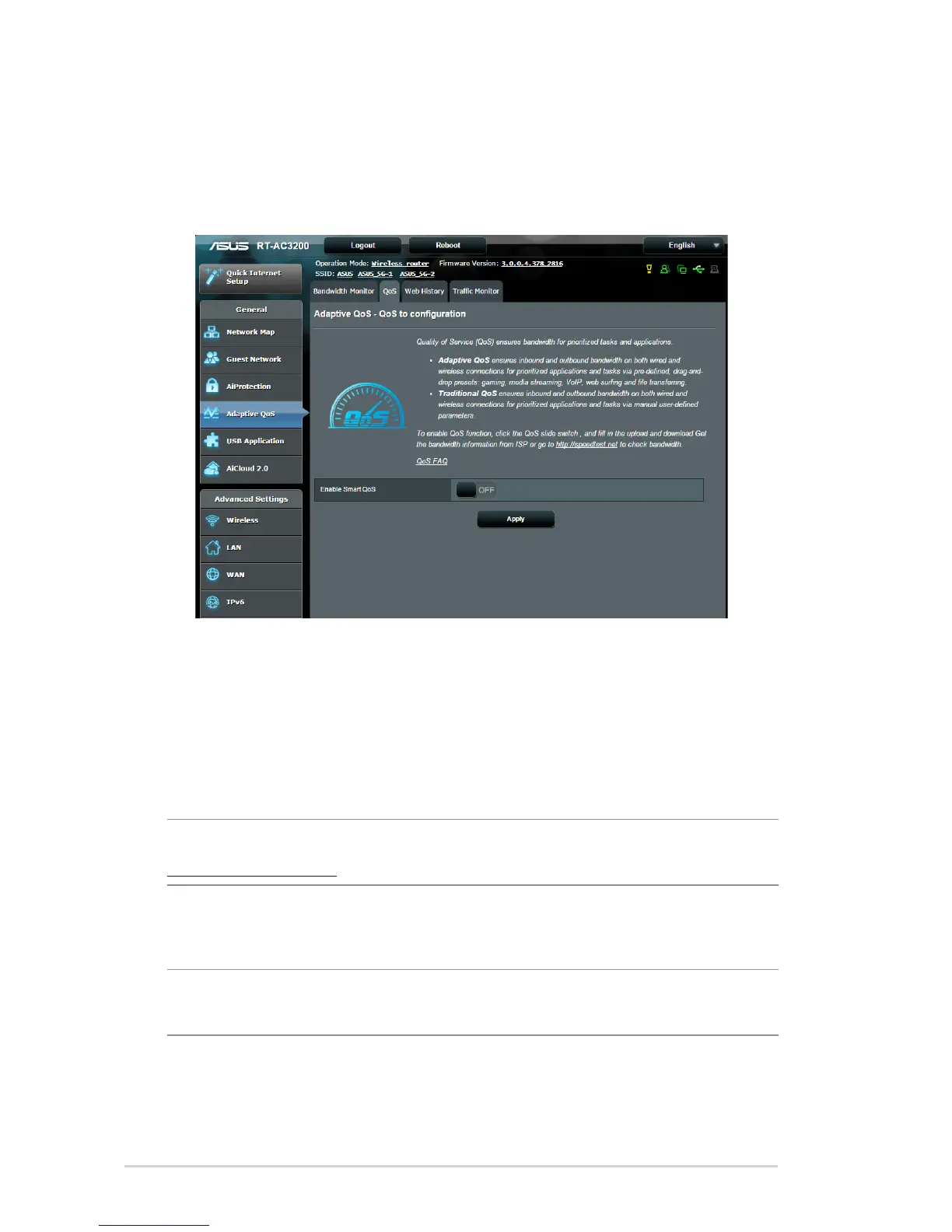
3.4.2 QoS
This feature ensures bandwidth for prioritized tasks and
applications.
To enable the QoS function:
1. From the navigation panel, go to General > Adaptive QoS>
QoS tab.
2. From the Enable Smart QoS pane, click ON.
3. Fill in the upload and download bandwidth fields.
NOTE: Get the bandwidth information from your ISP. You can also go to
http://speedtest.net to check and get your bandwidth.
4. Select the QoS Type (Adaptive or Traditional) for your
configuration.
NOTE: The definition of the QoS Type is displayed on the QoS tab for
your reference.
5. Click Apply.



 To Next Page