7
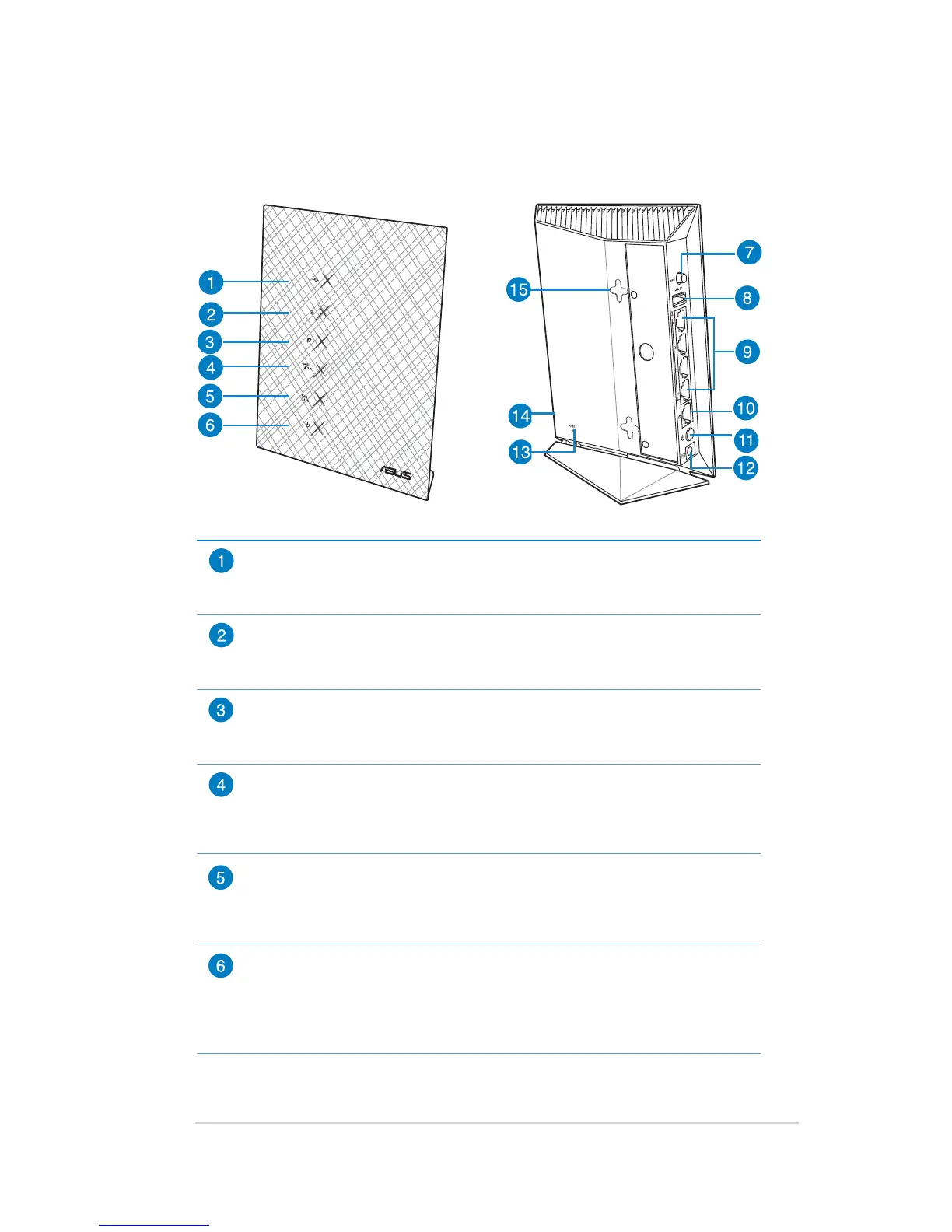
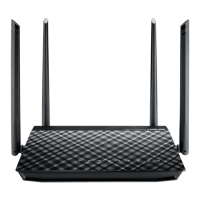
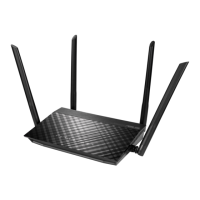
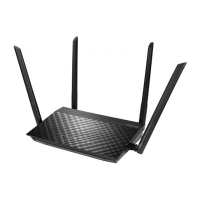
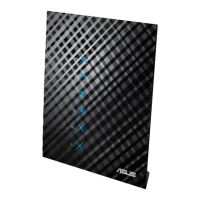
1.3 Your wireless router
USB LED
O: No power or no physical connection.
On: Has physical connection to USB devices.
LAN LED
O: No power or no physical connection.
On: Has physical connection to a local area network (LAN).
WAN LED
O: No power or no physical connection.
On: Has physical connection to a wide area network (WAN).
2.4GHz LED
O: No 2.4GHz signal.
On: Wireless system is ready.
Flashing: Transmitting or receiving data via wireless connection.
5GHz LED
O: No 5GHz signal.
On: Wireless system is ready.
Flashing: Transmitting or receiving data via wireless connection.
Power LED
O: No power.
On: Device is ready.
Flashing slow: Rescue mode
Flashing quick: WPS is processing.


 To Next Page