23
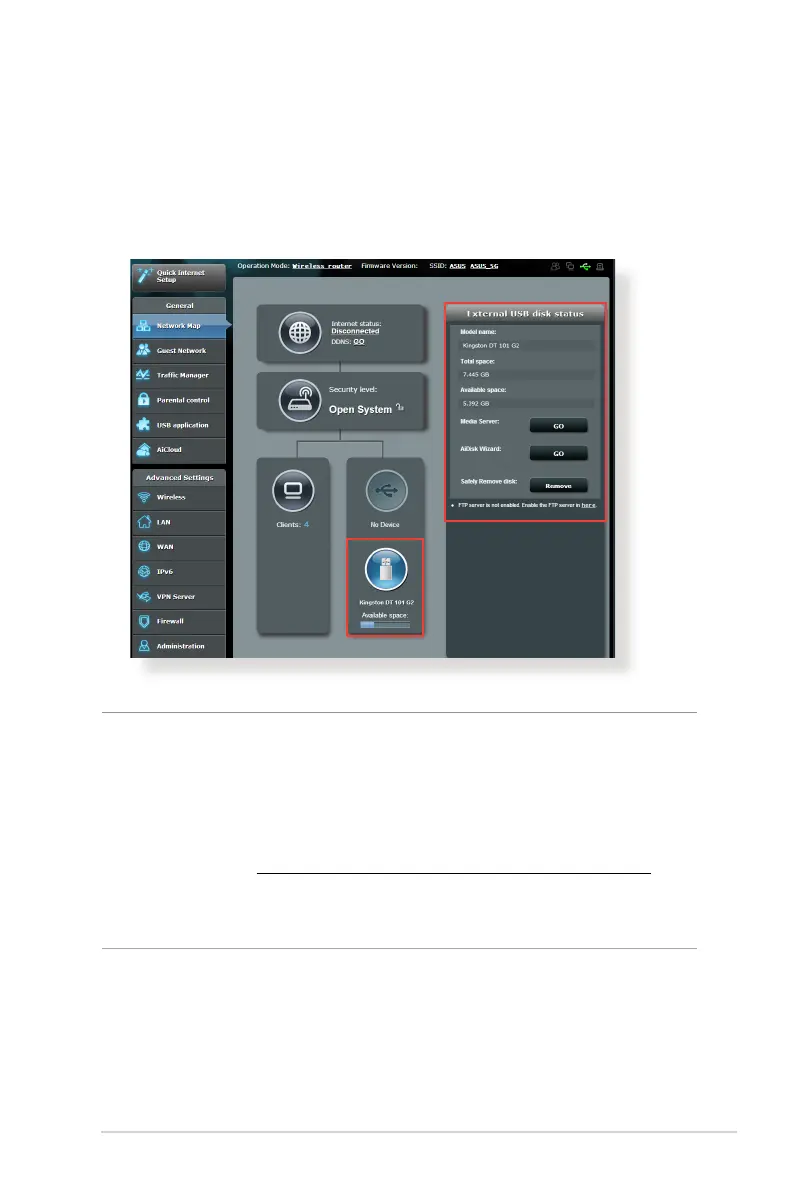
3.1.3 Monitoring your USB device
The ASUS Wireless Router provides two USB ports for connecting
USB devices or USB printer to allow you to share files and printer
with clients in your network.
NOTES:
• To use this feature, you need to plug a USB storage device, such as a
USB hard disk or USB ash drive, to the USB 3.0/2.0 ports on the rear
panel of your wireless router. Ensure that the USB storage device is
formatted and partitioned properly. Refer to the Plug-n-Share Disk
Support List at http://event.asus.com/networks/disksupport
• The USB ports support two USB drives or one printer and one USB
drive at the same time.



 To Next Page