26
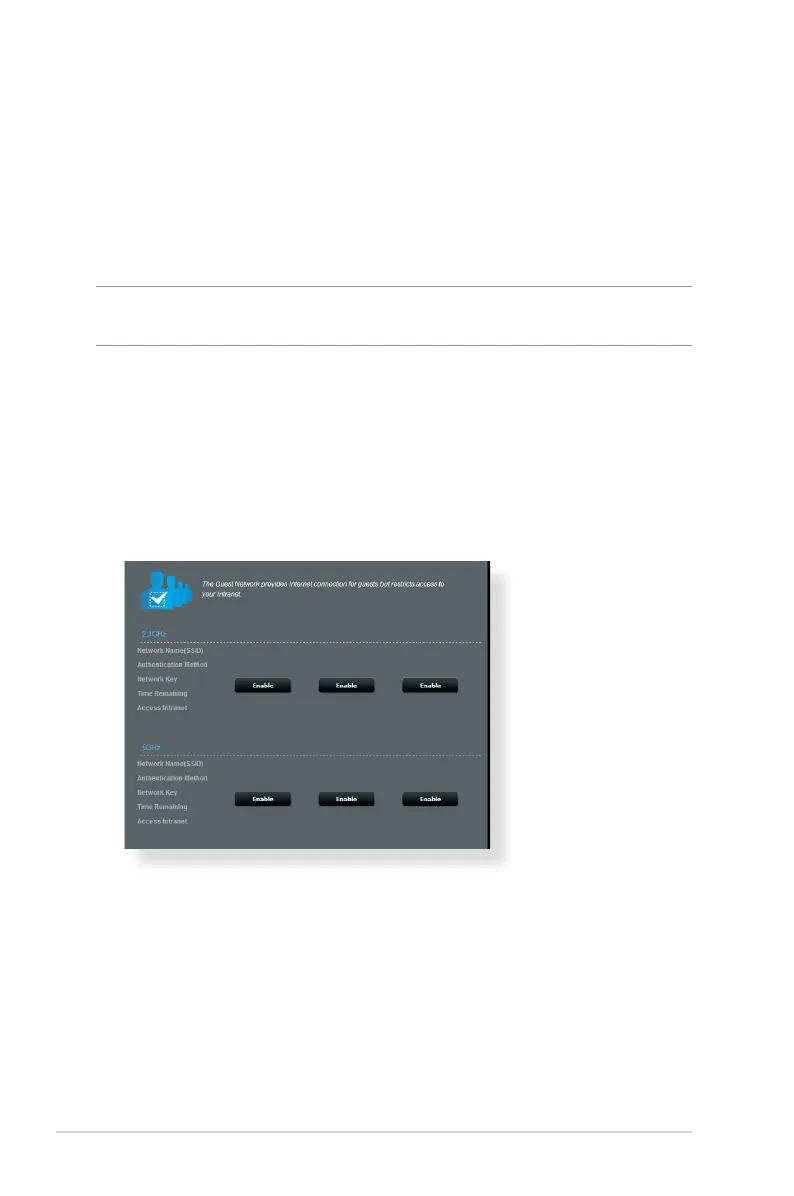
3.2 Creating a Guest Network
The Guest Network provides temporary visitors with Internet
connectivity via access to separate SSIDs or networks without
providing access to your private network.
NOTE: RT-AC68W supports up to six SSIDs (three 2.4GHz and three 5GHz
SSIDs).
To create a guest network:
1. From the navigation panel, go to General > Guest Network.
2. On the Guest Network screen, select 2.4Ghz or 5Ghz frequency
band for the guest network that you want to create.
3. Click
Enable.



 To Next Page