91
5.3.2 Using LPR to Share Printer
You can share your printer with computers running on Windows®
and MAC operating system using LPR/LPD (Line Printer Remote/
Line Printer Daemon).
Sharing your LPR printer
To share your LPR printer:
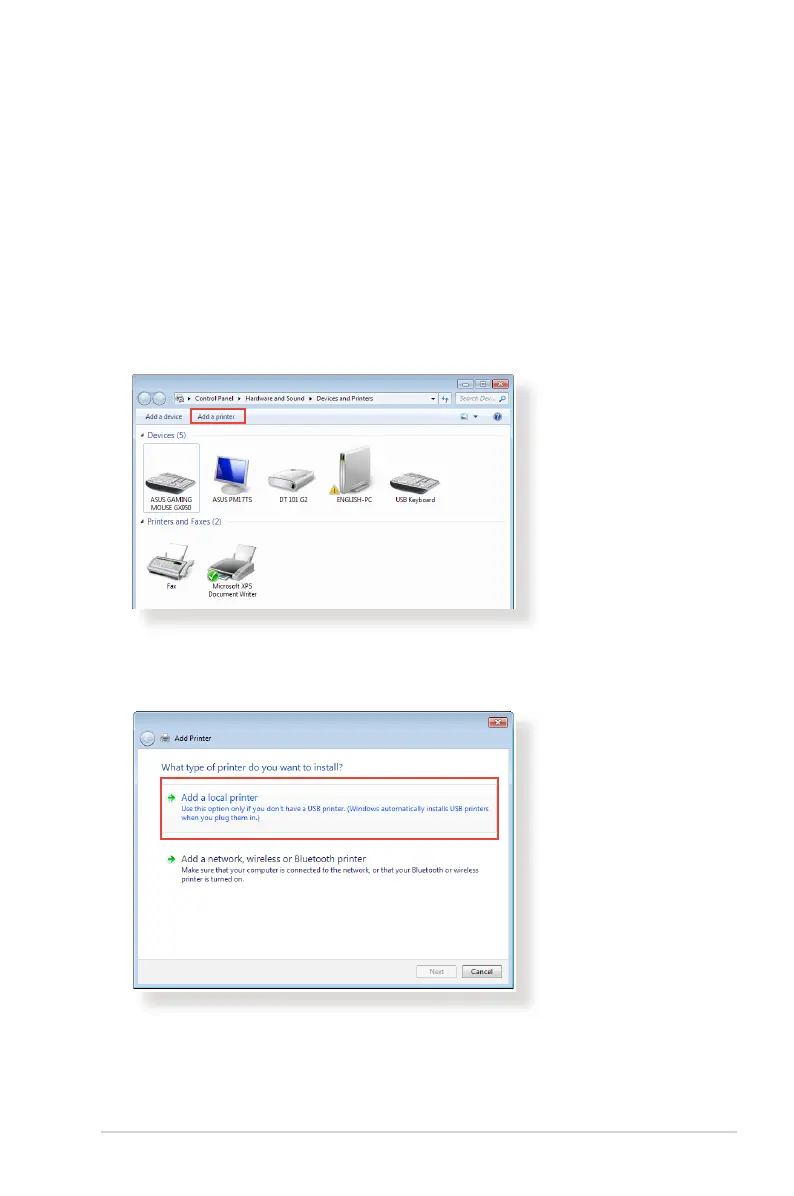
1. From the Windows® desktop, click Start > Devices and
Printers > Add a printer to run the Add Printer Wizard.
2. Select Add a local printer and then click Next.



 To Next Page