12
AiCloud
ASUSAiCloudappprovidesyouwithaccesstoyourdatawhereverandwhen-
everyouhaveanInternetconnection.ItalsoallowsyoutoaccessyourASUS
WebStorageaccountviatheAiCloudmobileapponyouriOSorAndroiddevice,
orviaawebbrowser.
To install AiCloud:
1. Ensurethatyourrouter’srmwareversionisthelatestoneandsupports
AiCloud.
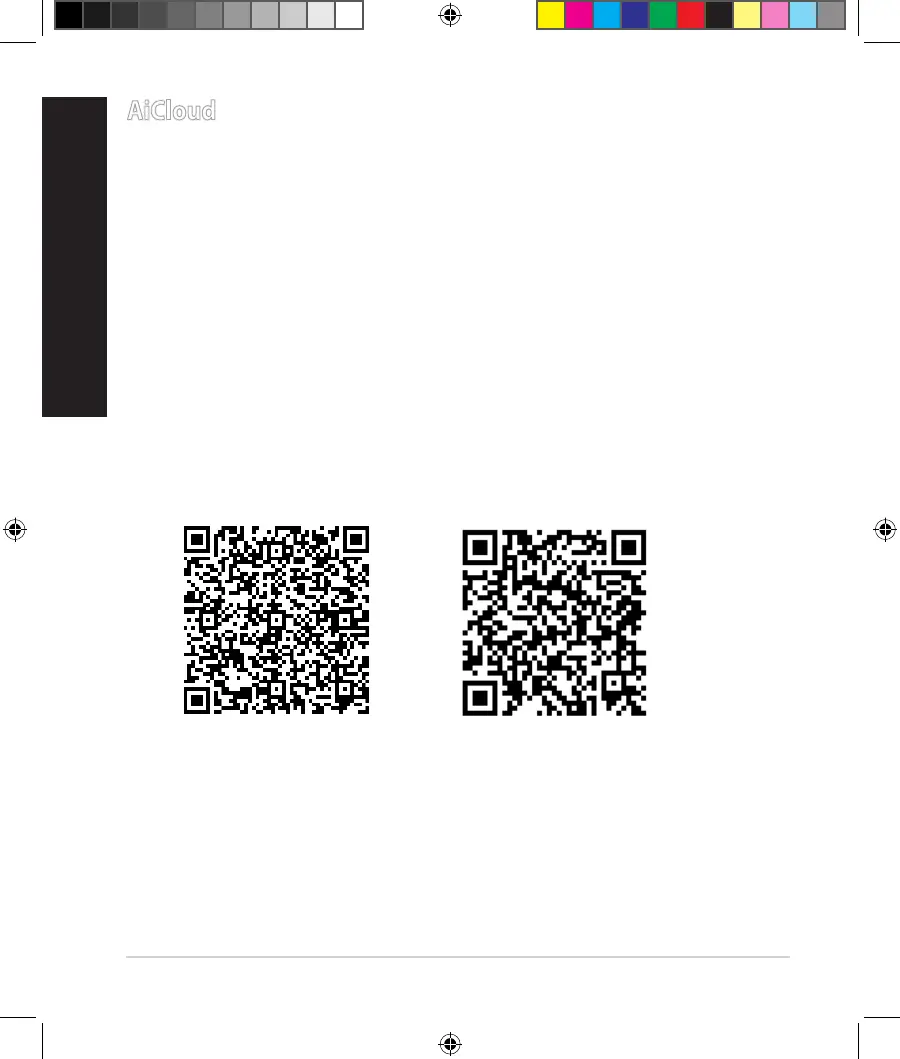
2. Download AiCloud app from Google Play or App Store.
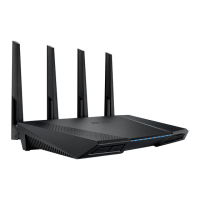
3. InstallyourUSBstoragedevicetoyourrouter.RefertosectionA quick look
at your RT-AC87U for the location of the USB ports.
4. ConnectyouriOSorAndroiddevicestotherouterthroughWi-Fi.TheAi-
Cloud app will automatically guide you through the setup process.
5. Youcannowaccess,streamandsharetoalllesinyourUSBstorage.Search
ASUSAiCloudformoreinformation.Watchtutorialvideosforstep-by-step
guide.
Google Play
App Store
na8972_rt-ac87u_qsg.indb 12 2014/6/10 13:56:17


 To Next Page