4
NOTES:
• USB External HDD/Flash disk:
•ThewirelessrouterworkswithmostUSBHDDs/Flashdisksupto
2TB and supports read-write access for FAT16, FAT32, EXT2, EXT3,
and NTFS.
•TosafelyremovetheUSBdisk,launchthewebGUI
(http://192.168.1.1), then in the Network Map page's upper right
corner, click the USB icon and click Eject USB 3.0 / USB 2.0.
•IncorrectremovaloftheUSBdiskmaycausedatacorruption.
•Forthelistoflesystemandharddiskpartitionsthatthewireless
routersupports,visit
http://event.asus.com/networks/disksupport
• Forthelistofprintersthatthewirelessroutersupports,visit
http://event.asus.com/networks/printersupport
Package contents
NOTE: If any of the items is damaged or missing, contact your retailer.
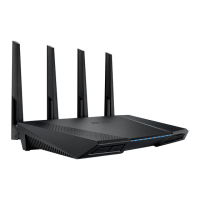
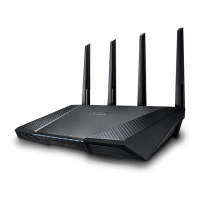
RT-AC87U Wireless Router AC adapter
Network cable (RJ-45) Quick Start Guide
Support CD (User Manual)
na8972_rt-ac87u_qsg.indb 4 2014/6/10 13:56:16


 To Next Page