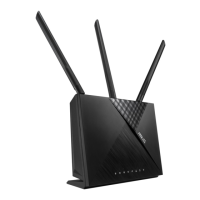
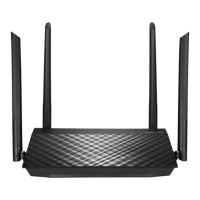
a. Insertyourwirelessrouter’sACadaptertotheDC-INportandplugittoa
poweroutlet.
b. Usingthebundlednetworkcable,connectyourcomputertoyourwireless
router’sLANport.EnsurethattheWANandLANLEDsareblinking.
c. Usinganothernetworkcable,connectyourmodemtoyourwirelessrouter’s
WANport.
d. Insertyourmodem’sACadaptertotheDC-INportandplugittoapower
outlet.
4. Disable some settings on your computer.
a. Disabletheproxyserver,ifenabled.
b. SettheTCP/IPsettingstoautomaticallyobtainanIPaddress.
c. Disablethedial-upconnection,ifenabled.
NOTE:Formoredetailsondisablingyourcomputersettings,referto
Frequently Asked Questions (FAQs).
NA11652-RT-AC58U_QSG_V2.indb 6 2016-06-28 15:11:02



 To Next Page