62
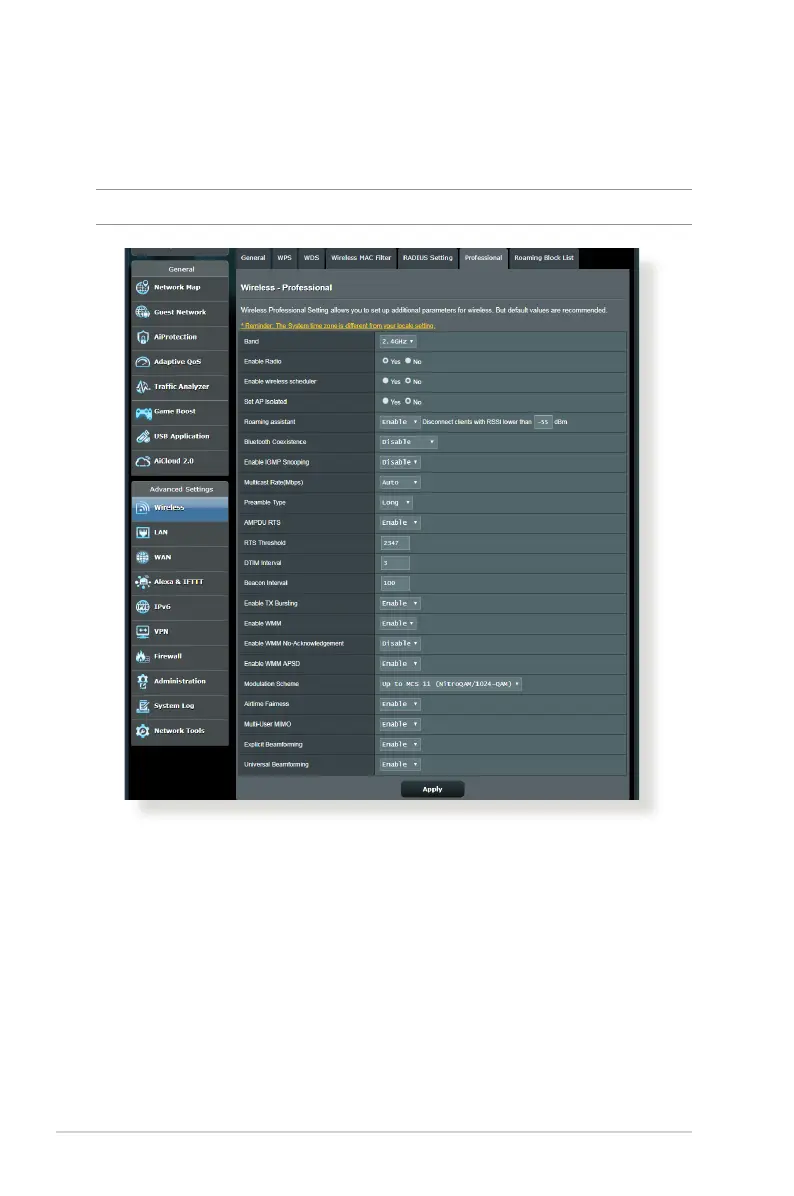
In the Professional Settings screen, you can congure the
following:
• Frequency: Select the frequency band that the professional
settings will be applied to.
• Enable Radio: Select Yes to enable wireless networking.
Select No to disable wireless networking.
• Enable wireless scheduler: You can choose clock format as
24-hour or 12-hour. The color in the table indicates Allow or
Deny. Click each frame to change the settings of the hour of
the weekdays and click OK when done.
4.1.6 Professional
The Professional screen provides advanced conguration options.
NOTE: We recommend that you use the default values on this page.


 To Next Page
 Loading...