7
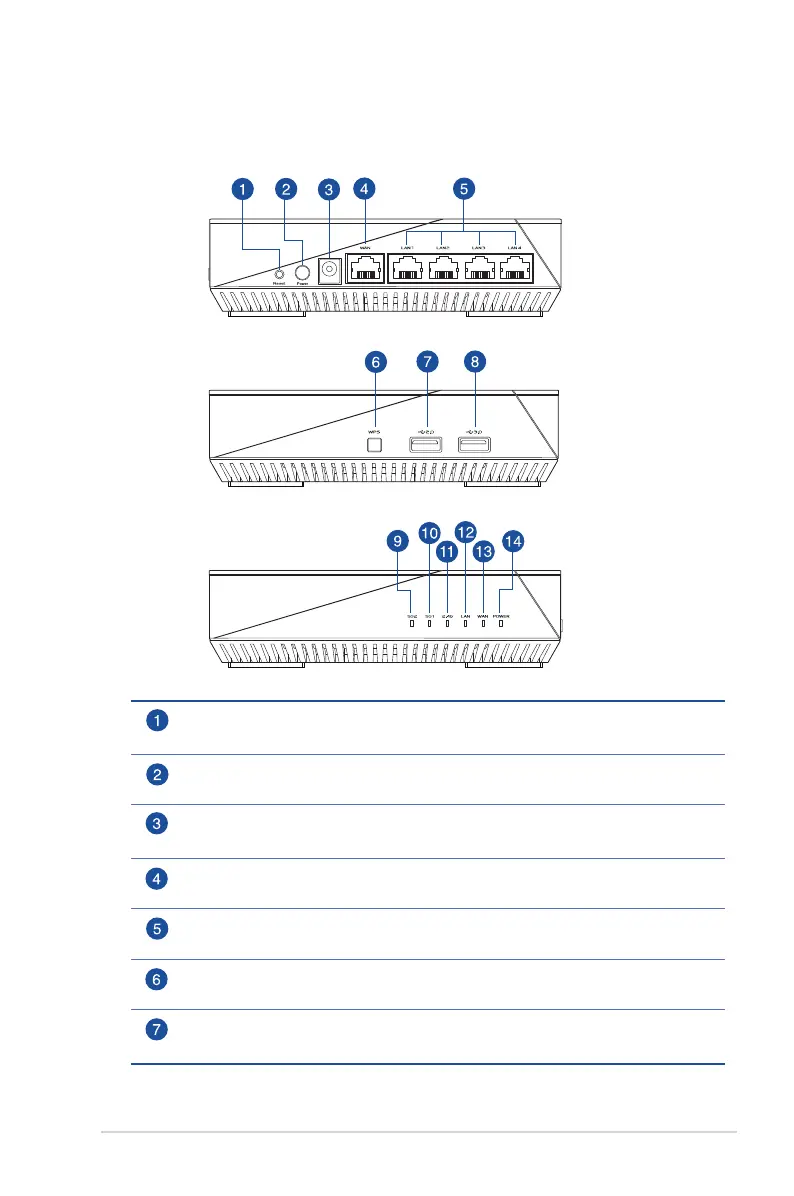
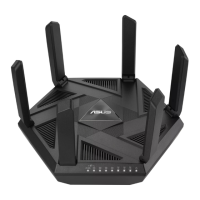
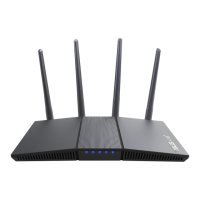
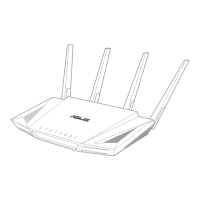
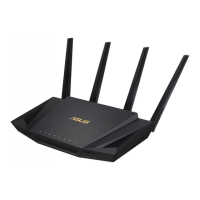
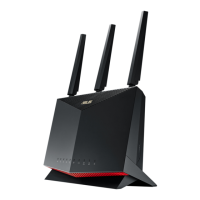
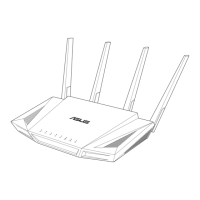
1.3 Your wireless router
Reset button
This button resets or restores the system to its factory default settings.
Power button
Press this button to power on or off the system.
Power (DC-IN) port
Insert the bundled AC adapter into this port and connect your router to a power source.
WAN (Internet) port
Connect a network cable into this port to establish WAN connection.
LAN 1 ~ 4 ports
Connect network cables into these ports to establish LAN connection.
WPS button
This button launches the WPS Wizard.
USB 2.0 port
Insert USB 2.0 devices such as USB hard disks or USB flash drive into this port.


 To Next Page