31
Chapter 5: Installing the utilities RT-G32
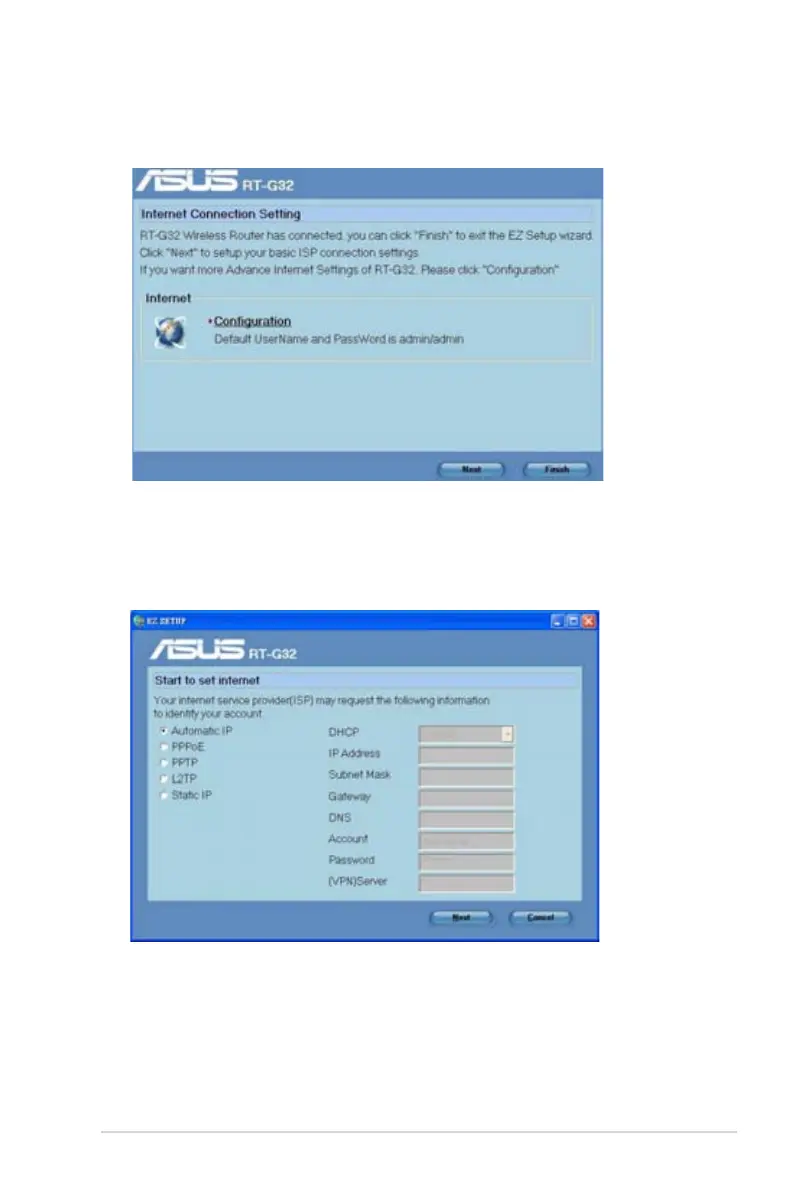
4. Click Next to congure the basic ISP connection settings. Click Finish to nish
the internal networks settings.
5. Select your connection type from these types of ISP services: Automatic IP,
PPPoE, PPTP, L2TP, and Static IP. Key in the necessary information for your
ISP connection type. When done, click Next.


 To Next Page