32
RT-G32 Chapter 5: Installing the utilities
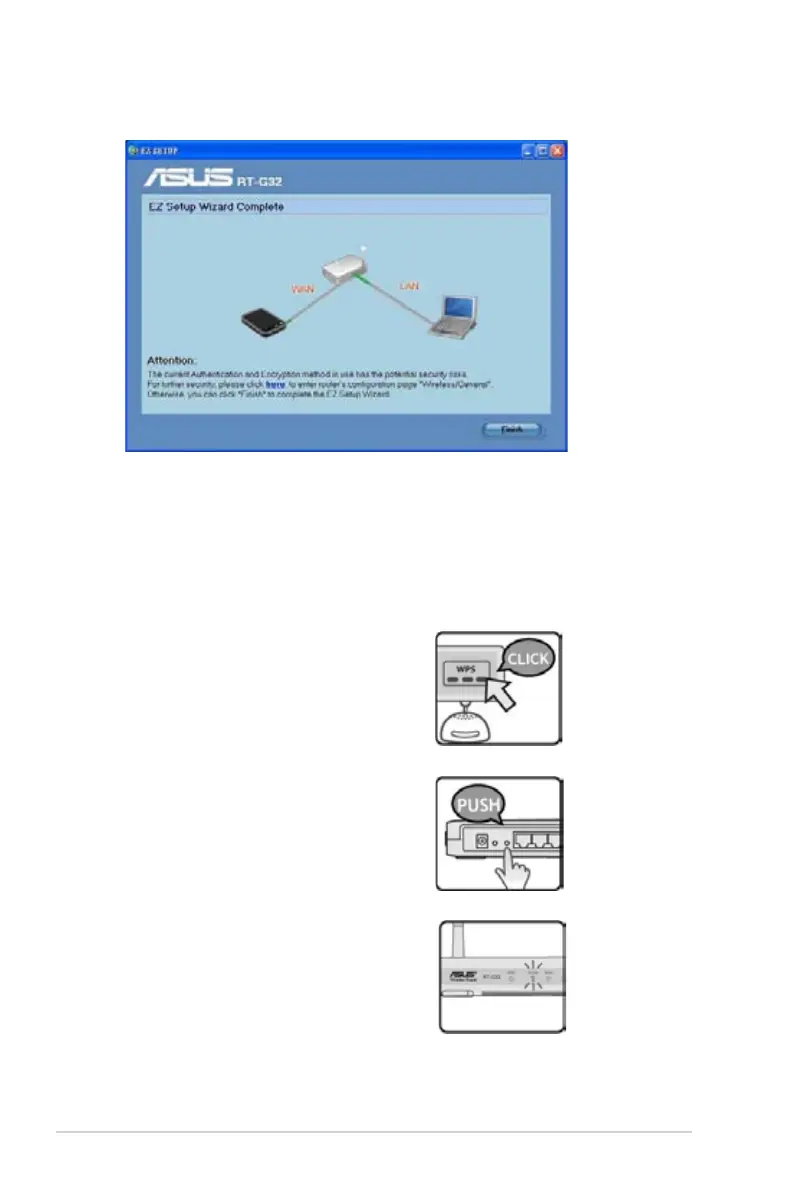
6. When done, click Finish.
WPS Quick Button Setup
When you connect a PC of wireless adapter (such as ASUS USB-N11 and PCI-
G31 adapter) with WPS function, please follow the instructions below to enable the
WPS Quick setup.
1. In order to use WPS, ensure that
both RT-G32 wireless router and
another computer's wireless software
WPS function are enabled.
2. Push the WPS button at the rear
panel of RT-G32 wireless router.
3. RT-G32 WLAN LED can light up and
slow ash after the WPS connection
established.


 To Next Page