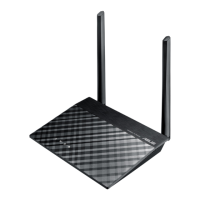
RT-N11 EZ Wireless N Router User Manual
21
R
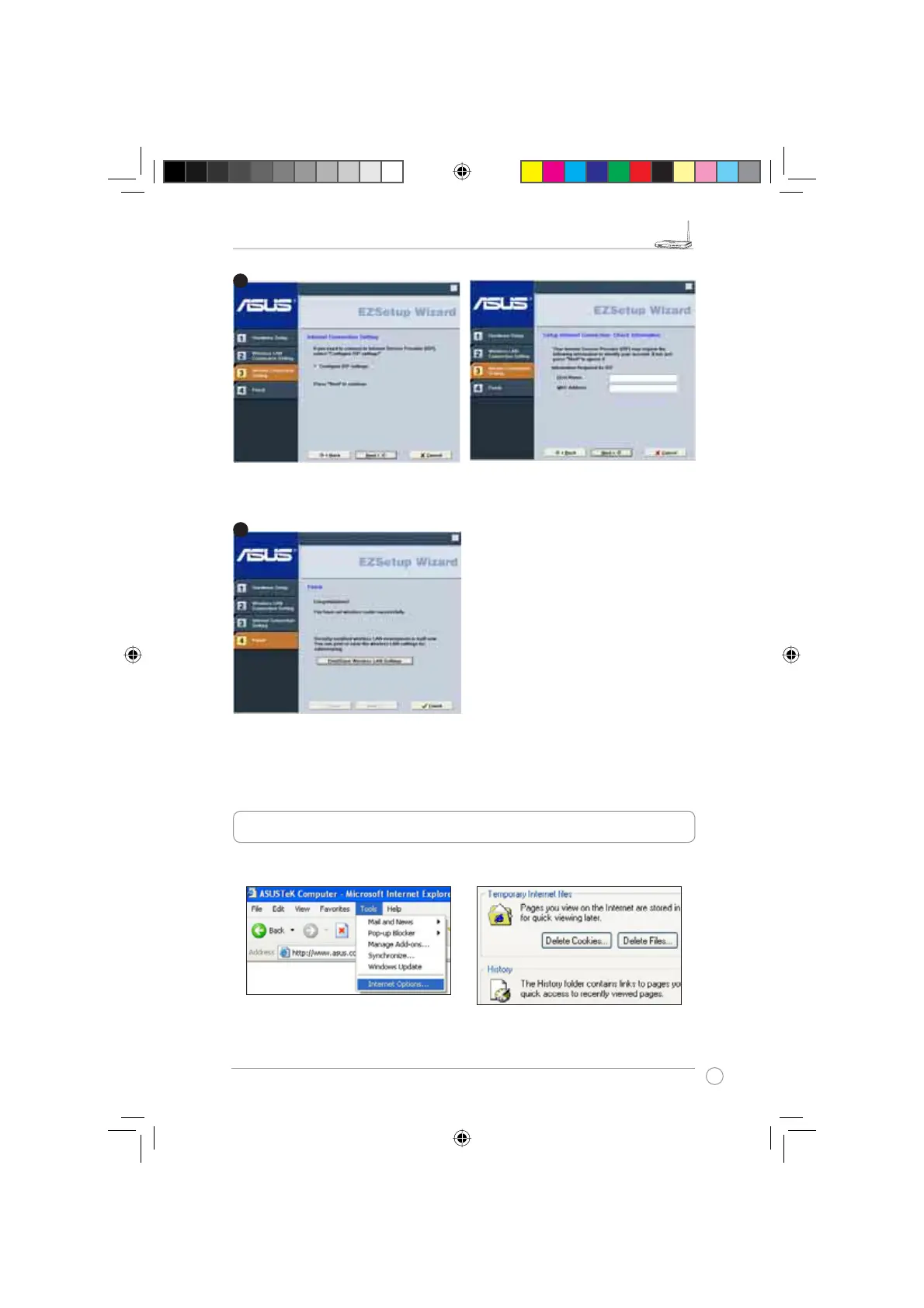
If you need to configure the ISP settings for your wireless router, select
Configure ISP
settings
, click
Next
and follow the instructions to complete the settings.
Setup is complete, press
Print/Save Wireless
LAN Settings
button for future reference.
Click Finish to exit the EZSetup utility.
6. Troubleshooting
&DQQRWDFFHVVWRZHEEURZVHUIRUURXWHUFRQÀJXUDWLRQ
1. Open a web browser and open
"Internet Options" dialog box.
2. Click on "Delete Cookies" and "Delete
Files".
4
3
e3188_WL520GU_GC_Manual.indd 23 5/22/08 2:51:04 PM



 To Next Page