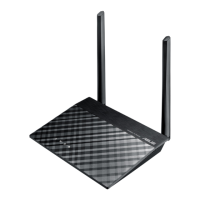
RT-N11 EZ Wireless N Router User Manual
41
R
11. When 6DYHVHWWLQJVWRD86%ÁDVKGULYHVFUHHQDSSHDUVSOXJD86%ÁDVKGULYHLQWR
your computer, then select the drive from the Save settings to box and click Next. The
settings starts to be saved into the USB drive.
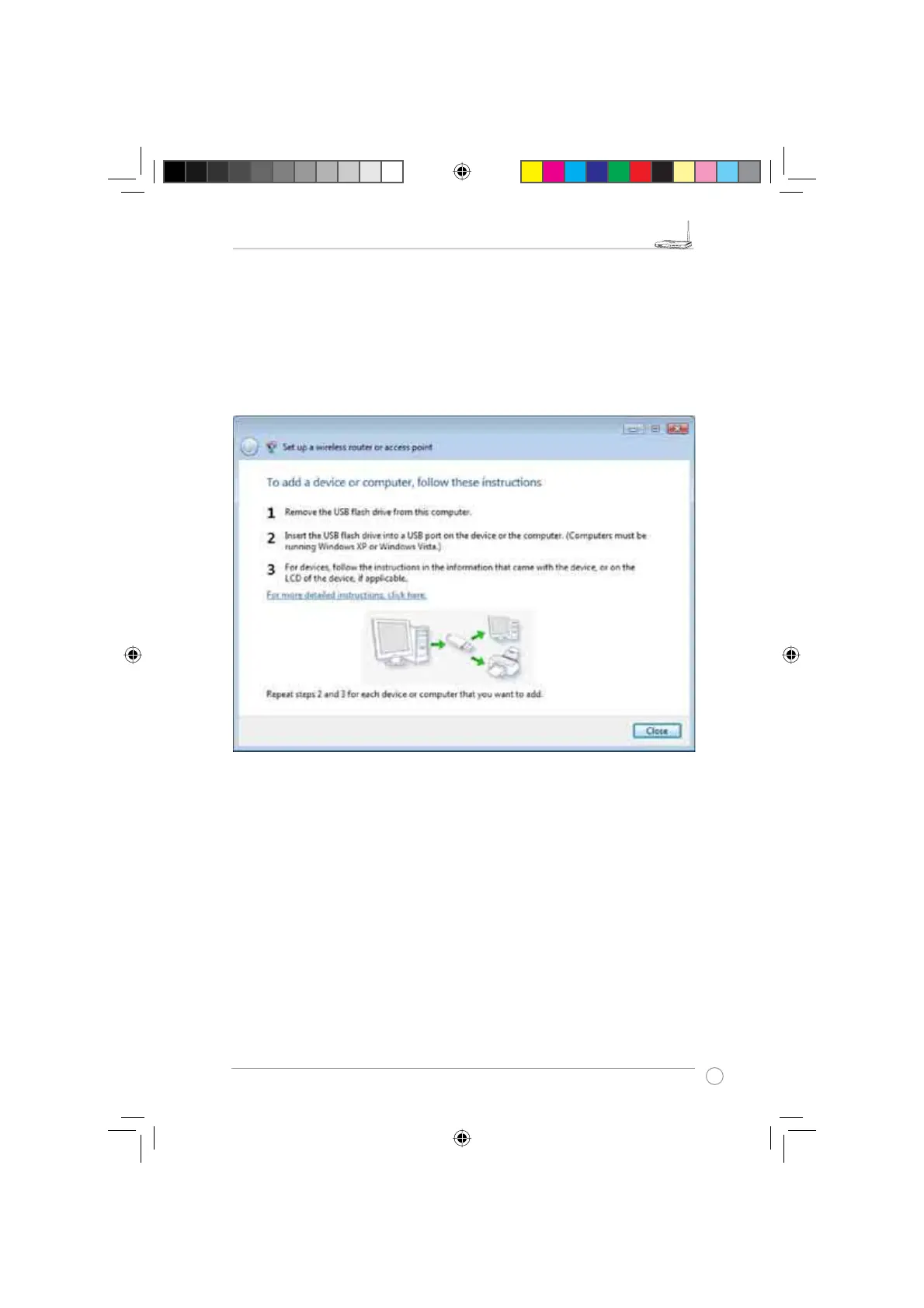
After the saving process is completed, a screen appears to instruct you to add computer
or other devices into the network. Follow the instructions to add computers and devices
into your network.
e3188_WL520GU_GC_Manual.indd 43 5/22/08 2:52:01 PM



 To Next Page