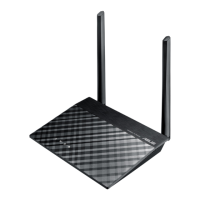
RT-N11 EZ Wireless N Router User Manual
6
R
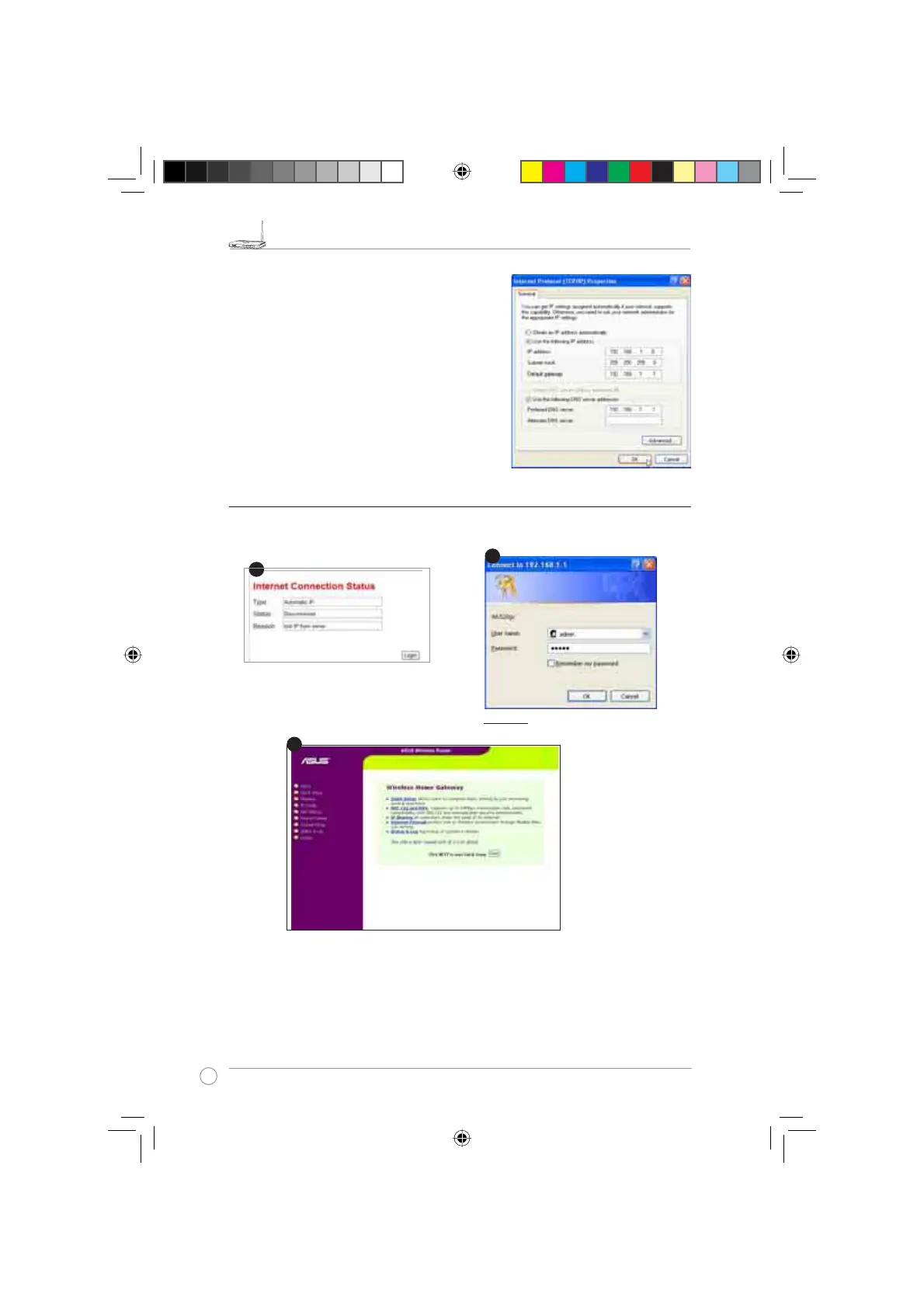
To set up the connection with a manually assigned
IP address, the address of your PC and the wireless
router must be within the same subnet:
• IP address: 192.168.1.xxx (xxx can be any
number between 2 and 254. Make sure the IP
address is not used by other device)
• Subnet Mask: 255.255.255.0 (same as RT-N11)
• Gateway: 192.168.1.1(IP address of RT-N11)
• DNS: 192.168.1.1 (RT-N11), or assign a known
DNS server in your network.
&RQÀJXULQJWKH:LUHOHVV5RXWHU
Defaults
User name:
admin
Password:
admin
Enter the following address in your
web browser: http://192.168.1.1
After logging in, you can see the ASUS Wireless Router home page.
7KHKRPHSDJHGLVSOD\VTXLFNOLQNVWRFRQÀJXUHWKHPDLQIHDWXUHVRIWKHZLUHOHVVURXWHU
1
3
e3188_WL520GU_GC_Manual.indd 8 5/22/08 2:50:24 PM



 To Next Page