7
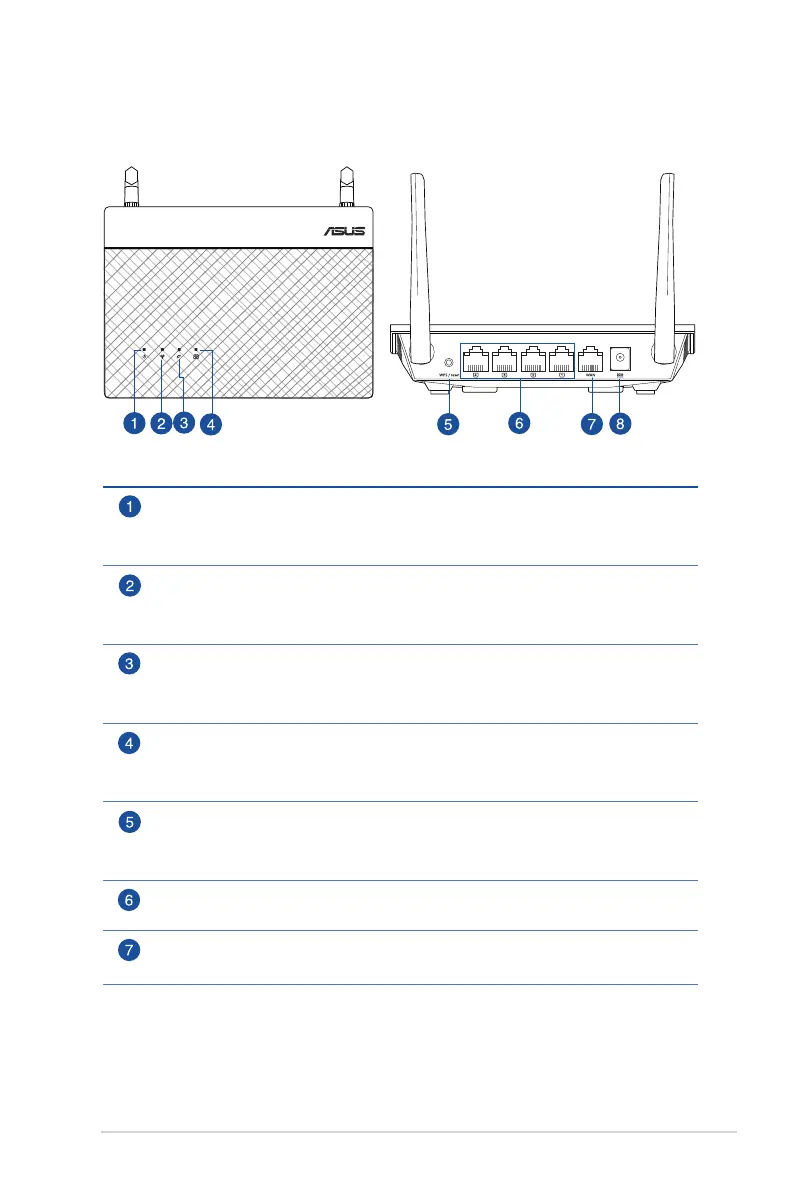
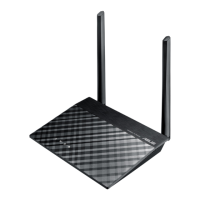
1.2 Your wireless router
Wireless N Router
Power LED
Off: No power.
On: Device is ready.
2.4GHz LED
Off: No 2.4GHz signal.
On: Wireless system is ready.
WAN LED
Off: No power or no physical connection.
On: Has physical connection to a wide area network (WAN).
LAN 1~4 LED
Off: No power or no physical connection.
On: Has physical connection to a local area network (LAN).
WPS / reset button (2-in-1)
This button launches the WPS wizard or resets / restores the system to its factory
default settings.
LAN 1 ~ 4 port
Connect network cables into these ports to establish LAN connection.
WAN port
Connect a network cable into this port to establish WAN connection.


 To Next Page