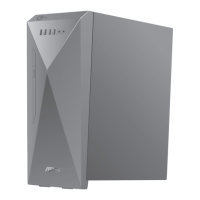
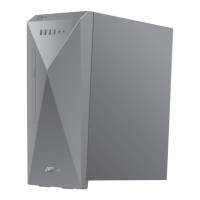
BM1AD
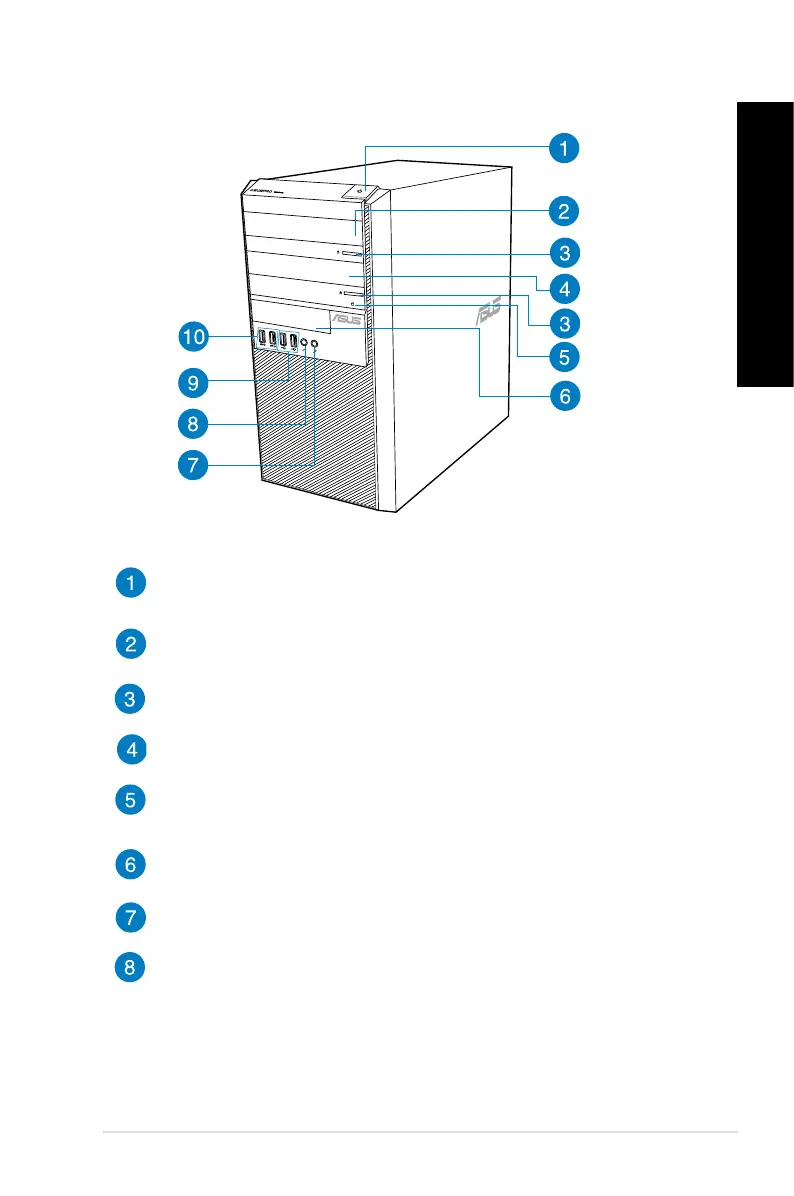
Power button. Press this button to turn on your computer.
5.25 inch optical disk drive bay. The 5.25 inch optical disk drive bay is for 5.25
inch DVD-ROM / CD-RW / DVD-RW devices.
Optical disk drive eject button. Press this button to eject the optical disk drive
tray.
Optical disk drive bay (empty). You may install an additional optical disk drive
in this bay.
HDD LED. This LED lights up when the hard disk drive operates.
3.5 inch drive bay. This 3.5 inch drive bay is for 3.5 inch hard disk drives /
memory card readers.
Microphone. This port connects to a microphone.
Headphone port. This port connects to a headphone or speaker.
ASUS BM6AD (MD310), BM1AD, and BP1AD (SD310) 13
ENGLISH
ENGLISH



 To Next Page