32 Chapter 2: Connecting devices to your computer
ENGLISH
ENGLISH
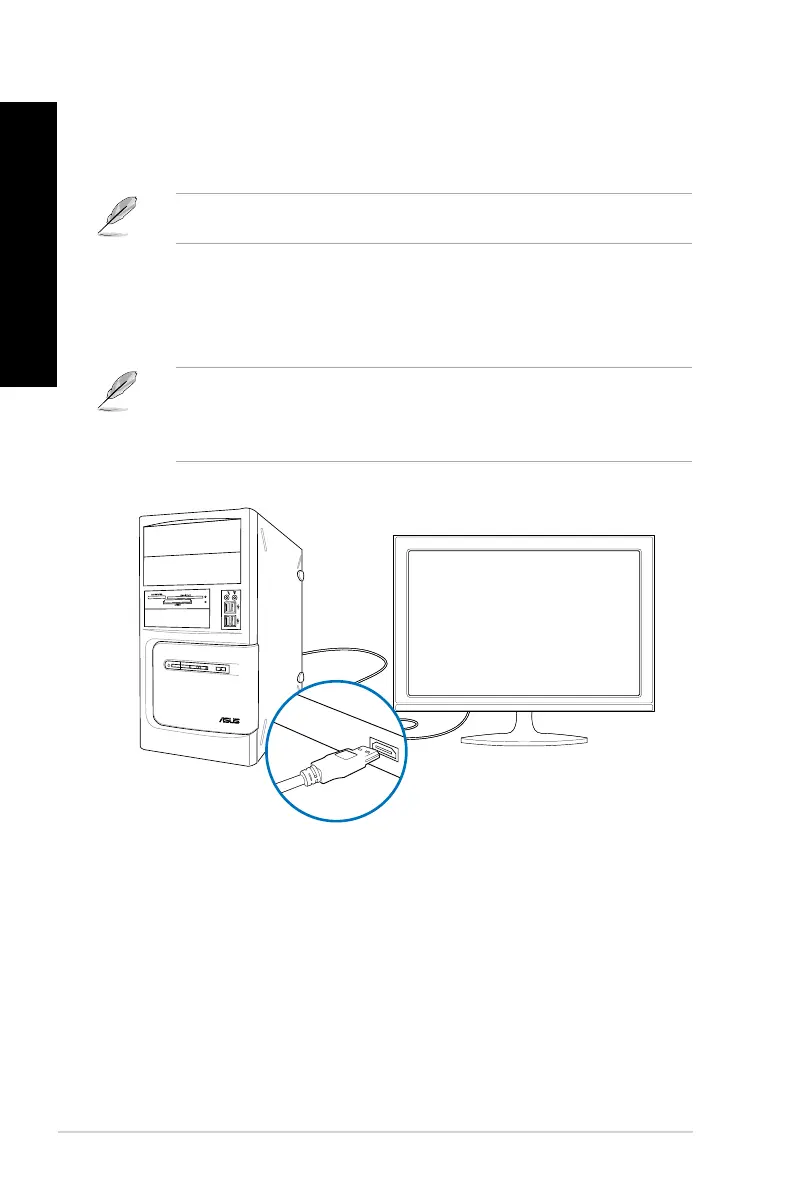
3. Turn on your computer.
4. Congure the
Screen Resolution settings.
For details, refer to the section Conguring the Screen Resolution settings in the
Windows
®
7 / Windows
®
8.1 User Manual, which can be found in this manual.
Connecting an HDTV
Connect a High Denition TV (HDTV) to the HDMI port of your computer.
• You need an HDMI cable to connect the HDTV and the computer. The HDMI cable is
purchased separately.
• To get the best display performance, ensure that your HDMI cable is less than 15
meters.



 To Next Page