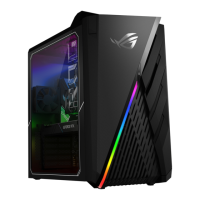
ASUS Desktop PC 75
ENGLISH
ENGLISH
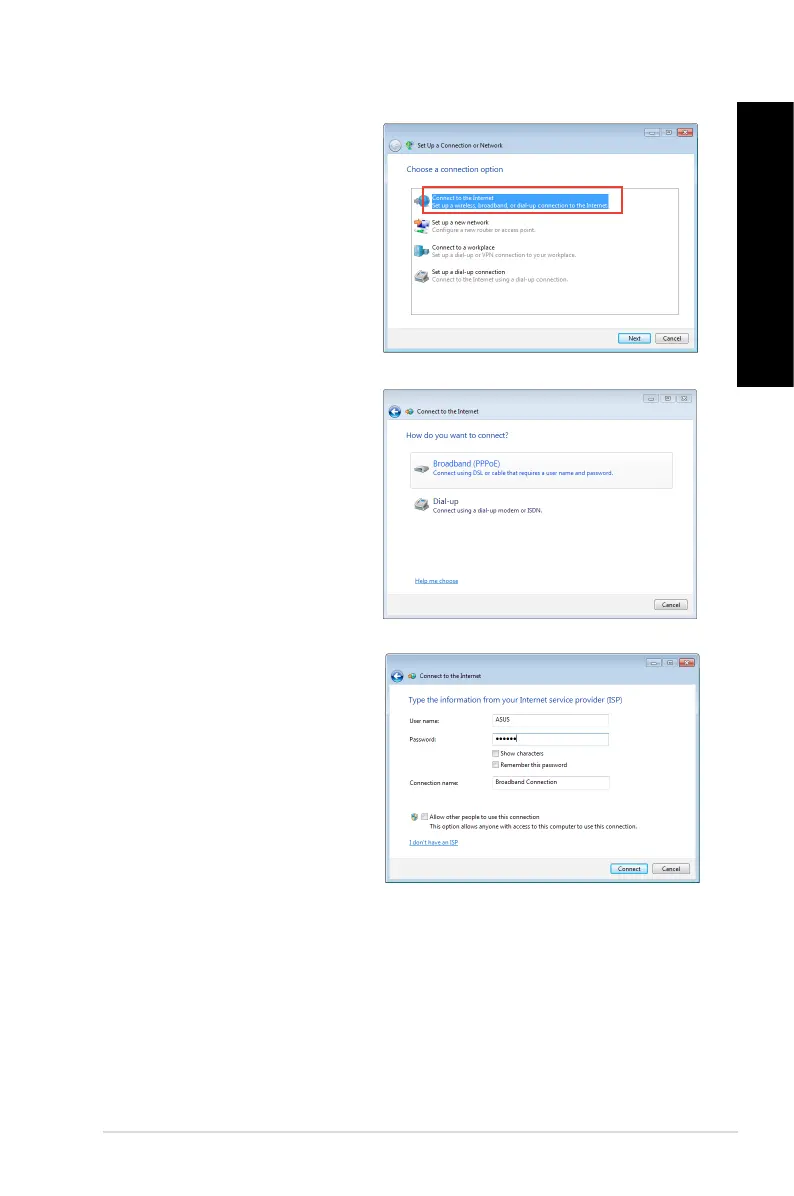
9. Select Connect to the Internet
and click Next.
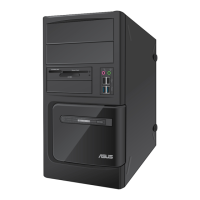
10. Select Broadband (PPPoE) and
click Next.
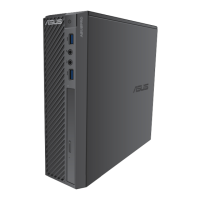
11. Enter your User name and,
Password, and Connection name.
Click Connect.
12. Click
Close to nish the
conguration.
13. Click the network icon in the taskbar
and click the connection you just
created.
14. Enter your user name and
password. Click Connect to
connect to the Internet.



 To Next Page