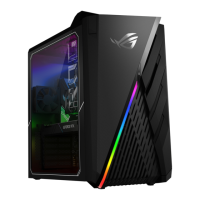
ASUS Desktop PC 85
ENGLISH
ENGLISH
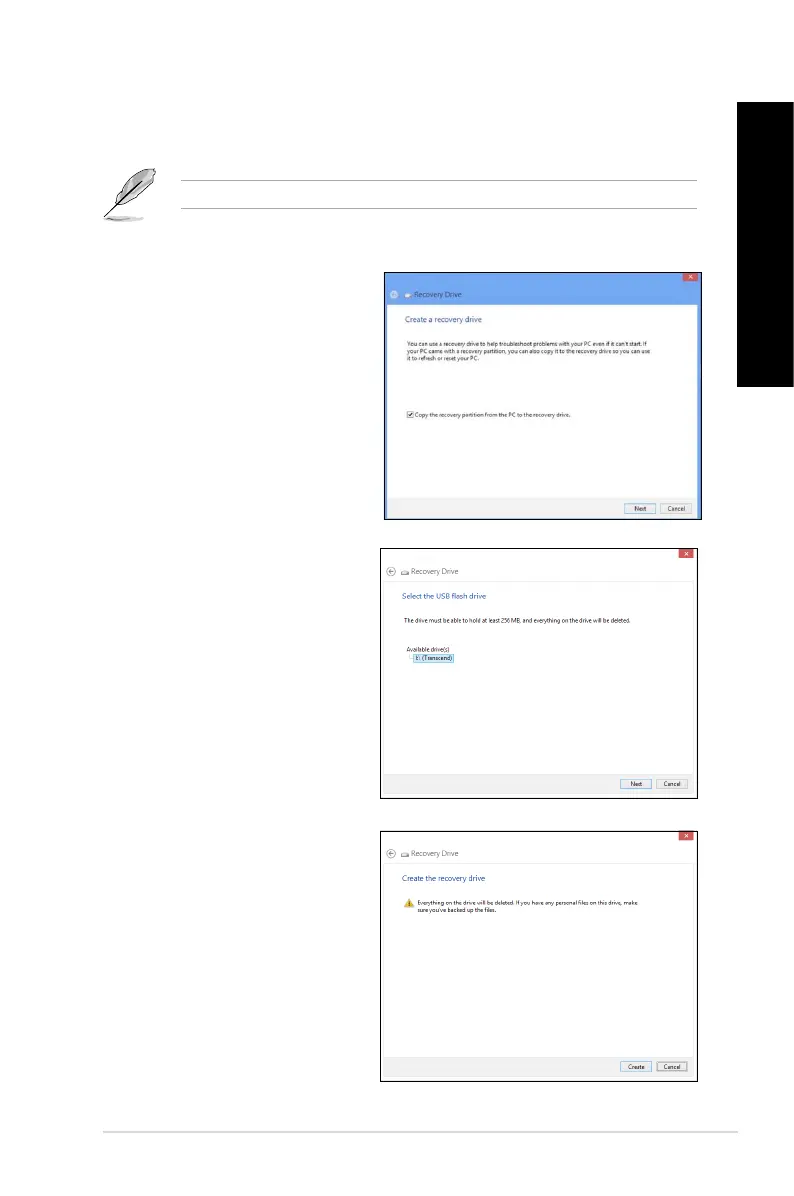
5. Select the USB storage device
where you want to copy the
recovery les.
6. Click
Next.
7. Click Create. Wait for a while for
the process to complete.
8. When the process is completed,
click Finish.
To create a USB recovery drive:
1. Launch the Control Panel from the All Apps screen.
For details, refer to Launching the All Apps screen under Working with Windows
®
apps.
2. From the Control Panel’s System and Security, click Find and x problems.
3. Click
Recovery > Create a
recovery drive.
4. Click
Copy the recovery partition
from the PC to the recovery
drive, and then click Next.



 To Next Page