10
English
On-the-fly Macro Recording
To create a macro on-the-fly:
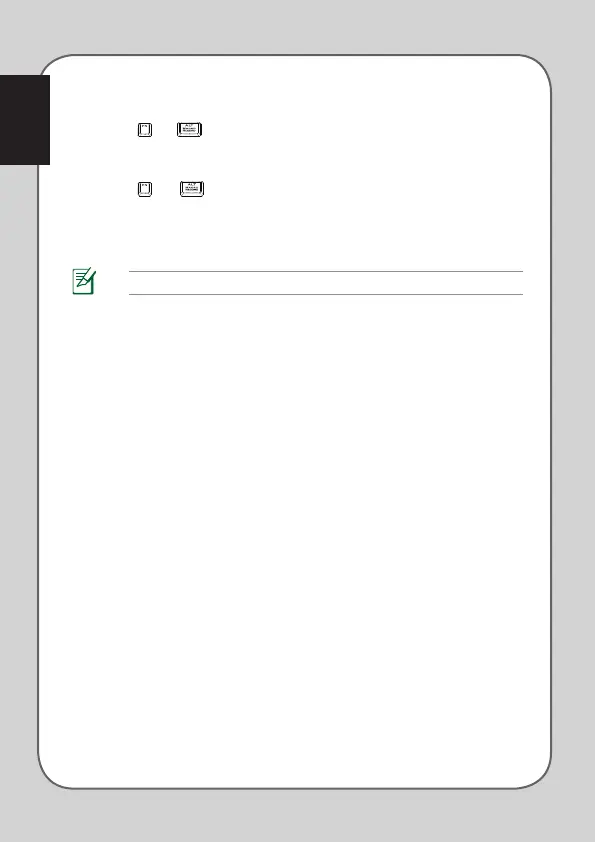
1. Press and simultaneously to start recording.
2. The indication LED lights up to show that the device is ready to record.
3. Press the keys that you wish to record.
4. Press and again to stop recording.
5. The indication LED starts blinking, indicating that the device is ready to save
the macro.
6. Press the Macro key that you wish to assign the macro to save.
NOTE: Macro sequences contain keyboard commands only under Hardware Mode.


 To Next Page