68
Notebook PC E-Manual
Power4Gear Hybrid
Optimize the performance of your Notebook PC using the power
saving modes in Power4Gear.
NOTE: Unplugging the Notebook PC from its power adapter
automatically switches Power4Gear Hybrid to Battery Saving mode.
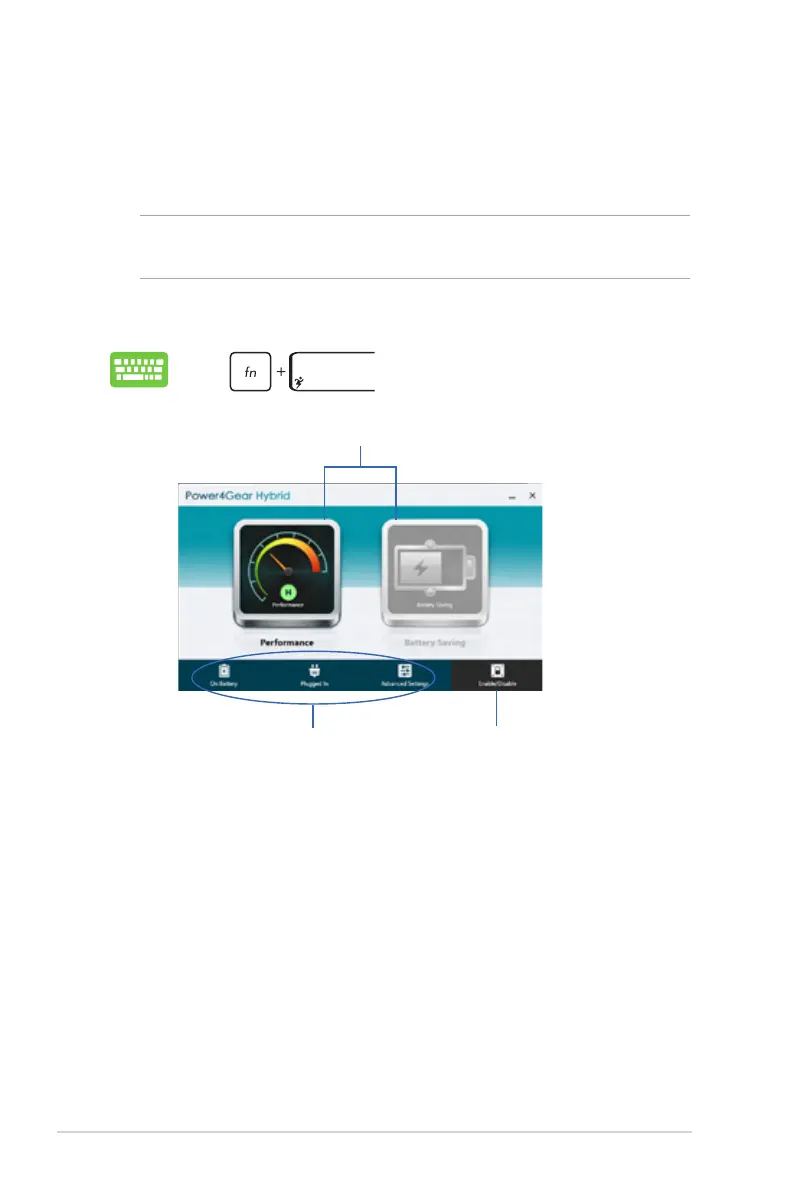
To launch Power4Gear Hybrid
Select from these power saving modes.
Use these options to customize
your power saving mode.
Allows you to hide the desktop icons
onscreen and turns the presentation
mode on or o.
Battery Saving mode
This mode extends your Notebook PC’s battery life while plugged in
to the power adapter or while running on battery power only.
Performance mode
Use this mode when doing high-performance activities like playing
games or conducting business presentations using your Notebook
PC.
Press .



 To Next Page