70
Notebook PC E-Manual
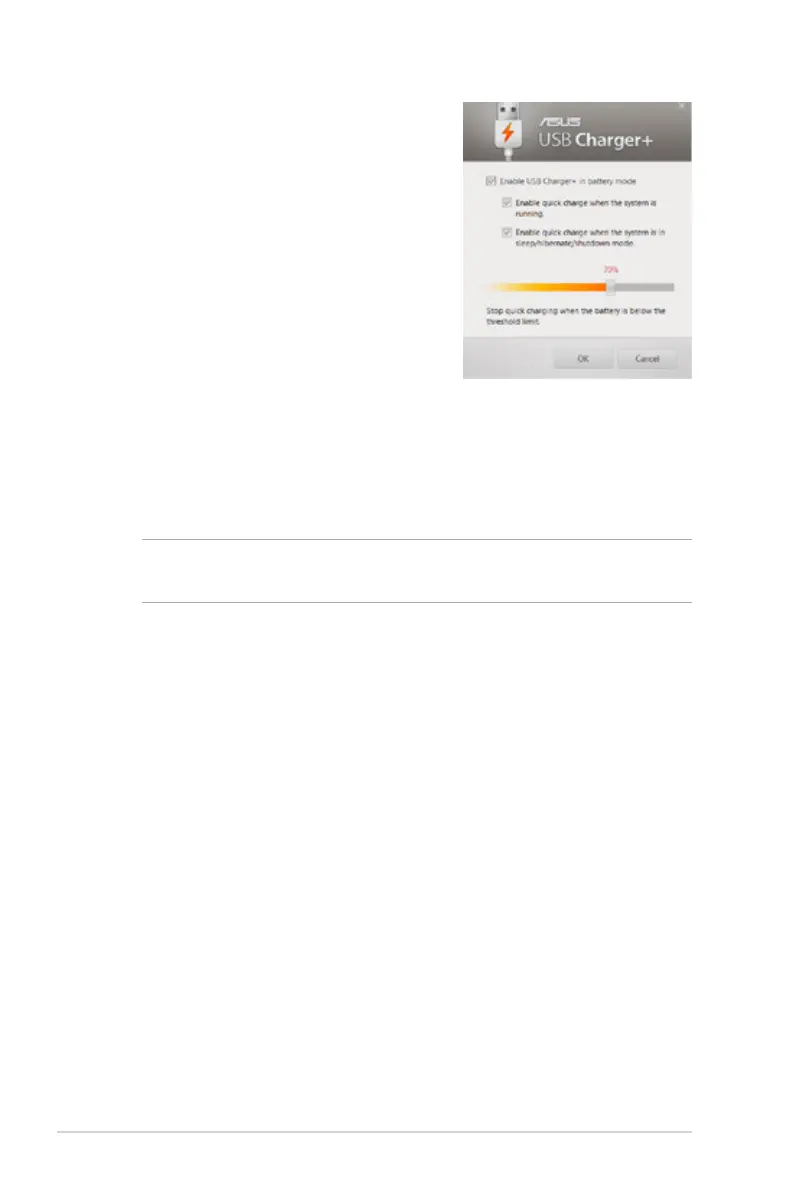
3. Select one or both of
these charging options:
Enable quick charge
when the system is
running or Enable quick
charge when the system
is in sleep/hibernate/
shutdown mode.
4. Move the percentage
slider to the left or to the
right to set the limit for
charging devices.
5. Tap OK to save the
settings made. Otherwise,
tap Cancel.
NOTE: On some models, the USB Charger+ automatically selects both
options. You can deselect these two options, if necessary.



 To Next Page