Need help?
Do you have a question about the Asus Tinker Board Series and is the answer not in the manual?
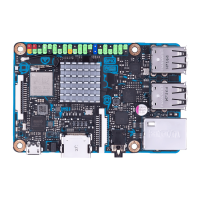
Guide to setting up the Tinker Board S OS using onboard eMMC storage.
Steps for setting up the Tinker Board OS using a microSD card.
Instructions for using Etcher to burn OS images on various platforms.
How to write OS images to media using the dd command in Linux.
Recovering the Tinker Board S OS via UMS from its onboard eMMC.
Recovering the Tinker Board OS using UMS from a microSD card.
 General
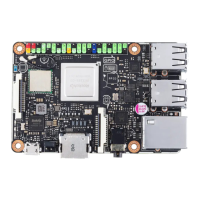
| USB Ports | 4 x USB 2.0 |
|---|---|
| CPU | Rockchip RK3288 (Quad-core Cortex-A17) |
| GPU | ARM Mali-T764 |
| RAM | 2GB |
| Storage | MicroSD card slot |
| Connectivity | Wi-Fi 802.11 b/g/n, Bluetooth 4.0 |
| Audio | 3.5mm audio jack |
| Operating System | Android |
| GPIO | 40-pin header |
| Power Supply | 5V/2A via MicroUSB |

 To Next Page