Bluetooth / Wireless Indicator
This is only applicable on models with internal Bluetooth (BT) and built-in wireless
LAN. This indicator will light to show that the Notebook PC’s built-in Bluetooth (BT)
function is activated. When the built-in wireless LAN is enabled, this indicator will
also light. (Windows software settings are necessary.)
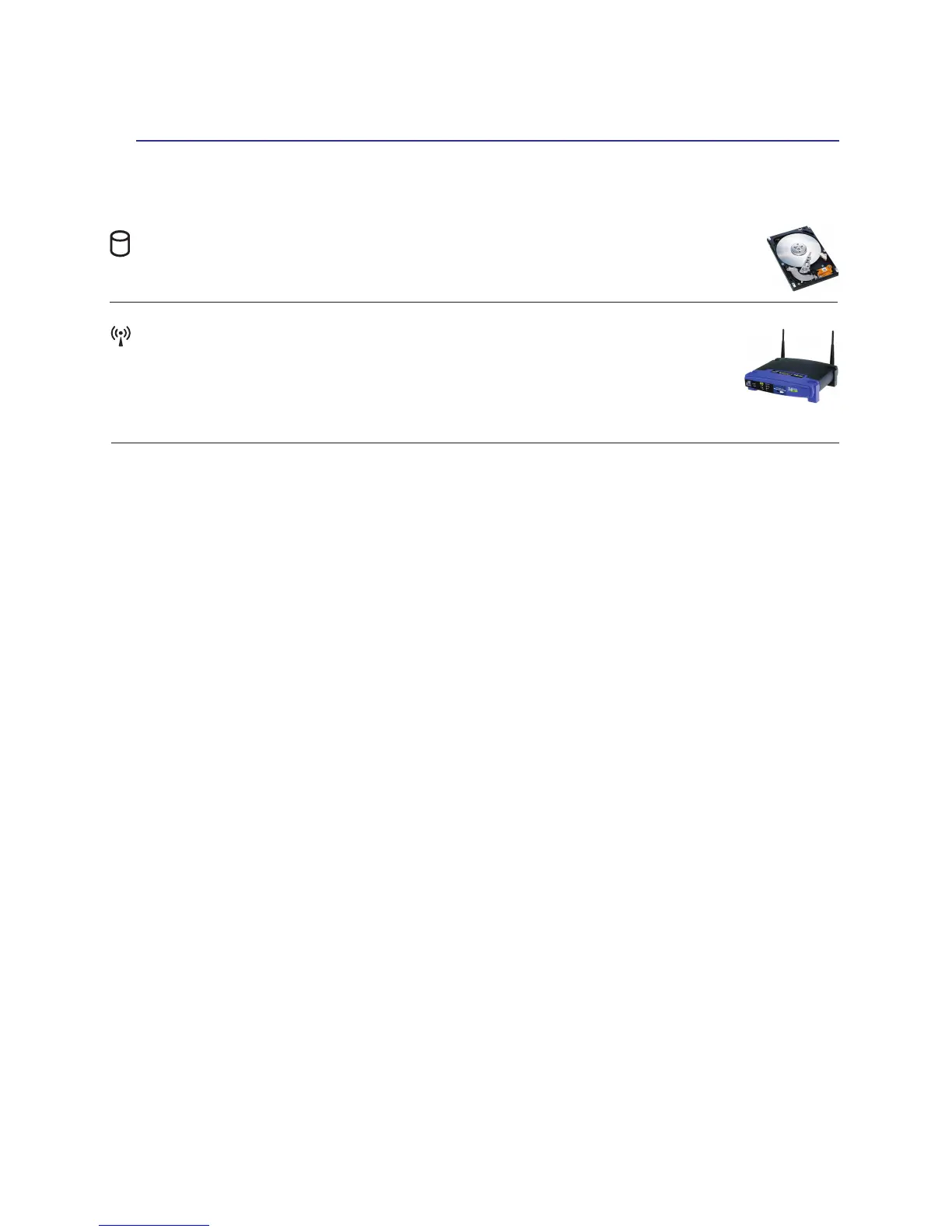
Drive Activity Indicator
Indicates that the Notebook PC is accessing one or more storage device(s) such as the hard
disk. The light ashes proportional to the access time.
Getting Started 3


 To Next Page