Appendix A
Optional Connections
These items, if desired, may be purchased from third-parties.
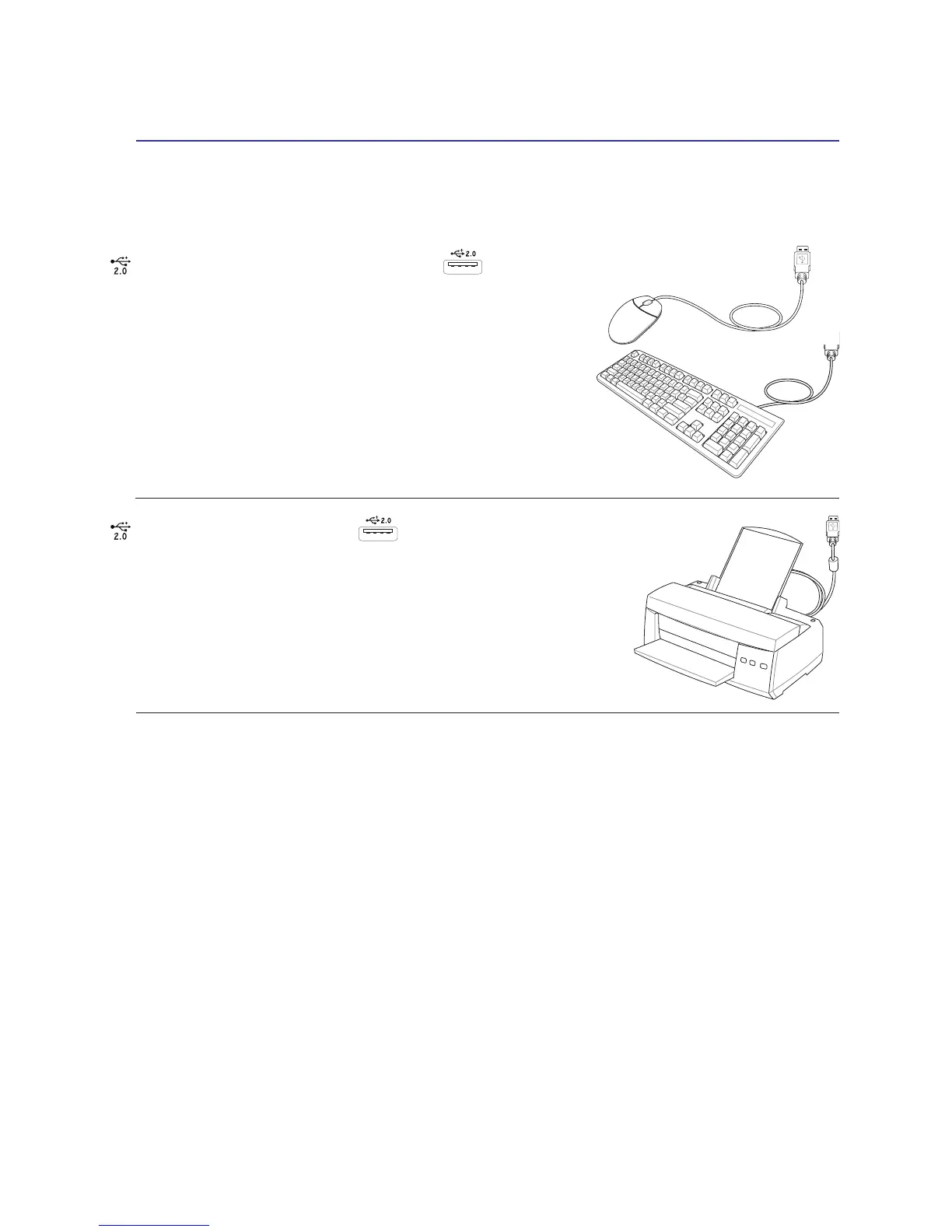
USB Keyboard and Mouse
Attaching an external USB keyboard will allow data entry to be
more comfortable. Attaching an external USB mouse will allow
Windows navigation to be more comfortable. Both the external
USB keyboard and mouse will work simultaneously with the
Notebook PC’s built-in keyboard and touchpad.
Printer Connection
One or more USB printers can be simultaneously used on any USB port
or USB hub.


 To Next Page