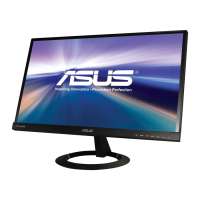
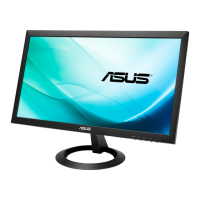
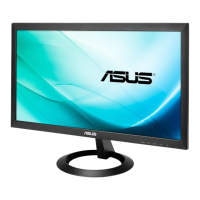
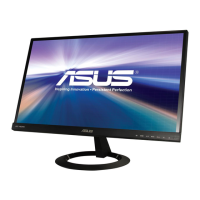
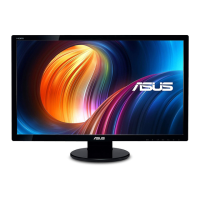
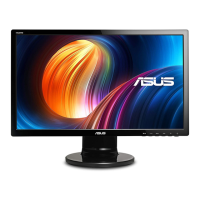
1-3ASUS VX24A/VX249 Series LCD Monitor
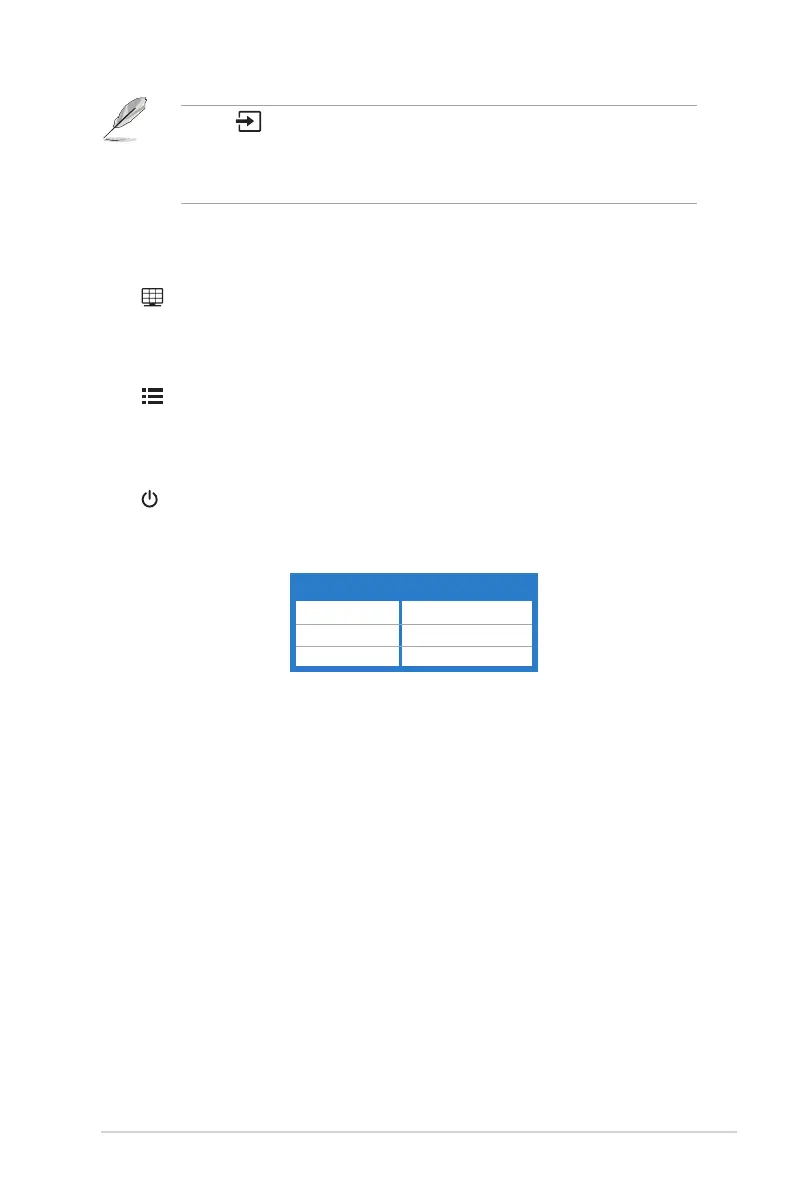
Press Button (Input Select Button) to display VGA, HDMI/MHL
(HDMI/MHL-1), HDMI/MHL-2, DVI, DisplayPort signals* after you
connect VGA, HDMI, DVI or DisplayPort cable with the monitor.
*Depends on the actual design of the monitor.
5.
Button:
• Automatically adjusts the image to its optimized position, clock, and phase
by pressing this Button for 2-4 seconds (for VGA mode only).
6. QuickFit Button:
• Activates the QuickFit function designed for alignment. The QuickFit
function contains 8 pages of common grid patterns, paper sizes, and
photo sizes.
7. Menu Button:
• Turns on the OSD menu.
• Toggles the Key Lock function between on and off with a long press for
5 seconds.
8. Power Button/Power Indicator
• Turns the monitor ON/OFF.
• The color denition of the power indicator is as the below table.
White ON
Amber Standby mode
Off OFF


 To Next Page