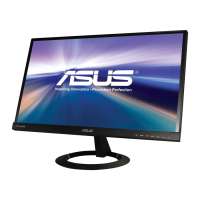
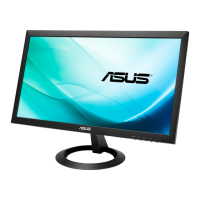
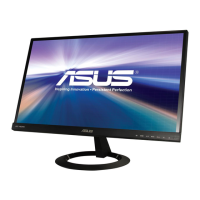
1-4 Chapter 1: Product introduction
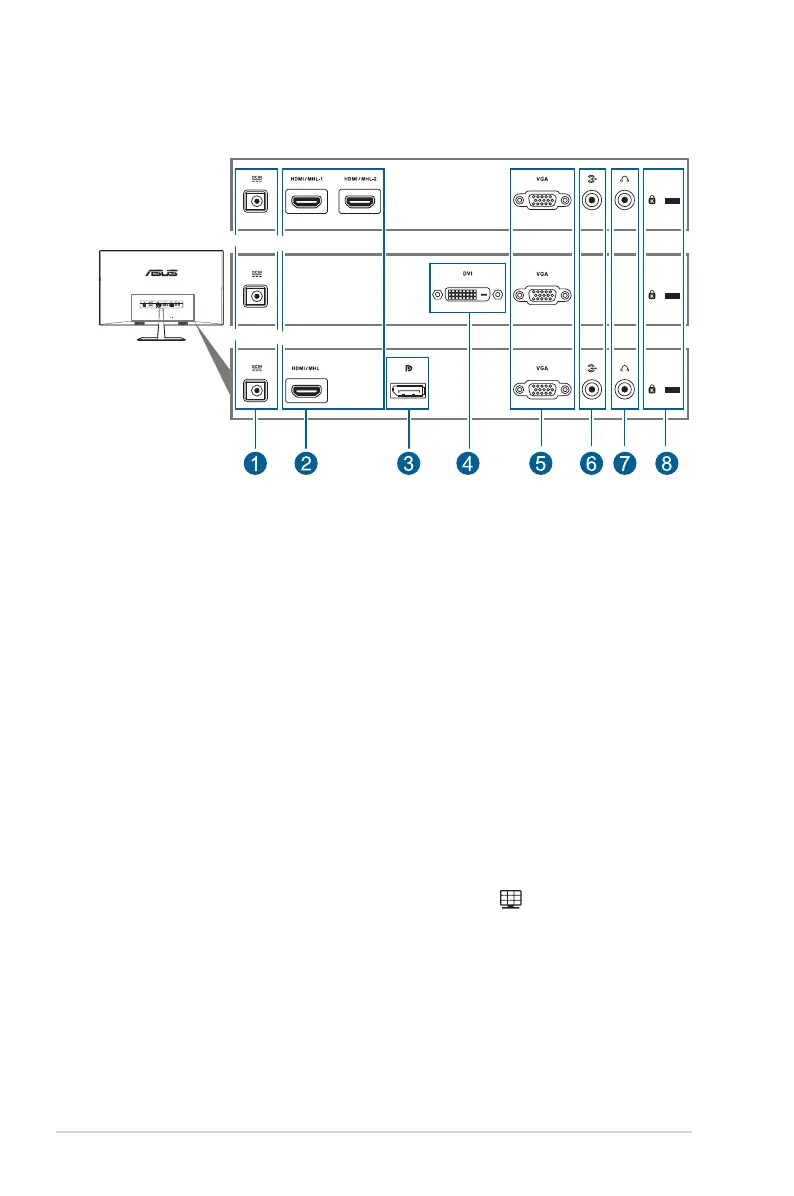
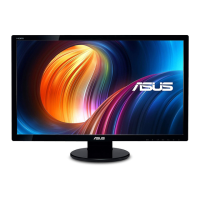
VX24AH/VX249H
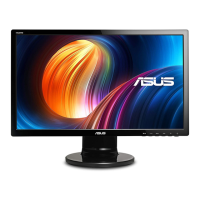
VX249N
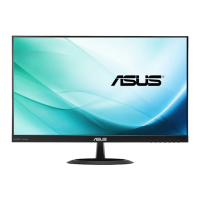
VX24AQ
VX24AH/VX249H
VX249N
VX24AQ
. This port connects the power cord.
. This port is for connection with an HDMI/MHL compatible
device.
This port is for connection for a DisplayPort compatible device.
. This 24-pin port is for PC (Personal Computer) DVI-D digital signal
connection.
. This 15-pin port is for PC VGA connection.
This port connects PC audio source by the bundled audio
cable.
. This port is only available when an HDMI/DisplayPort cable
is connected.
.
The QuickFit function contains three kinds of patterns: (1) Grid patterns (2) Paper
size (3) Photo size. To activate the patterns, press the QuickFit hotkey. Press
the buttons as indicated on the screen to select a desired pattern.
1. Grid patterns
The grid patterns facilitate designers and users to organize content and layout on a
page and achieve a consistent look and feel.


 To Next Page