1-2 Chapter 1: Product introduction
1.3 Monitor introduction
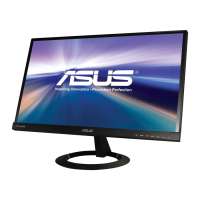
VX249H
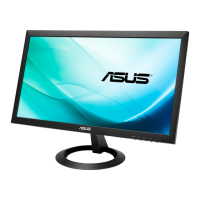
VX24AH
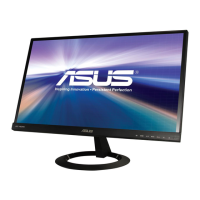
VX24AQ
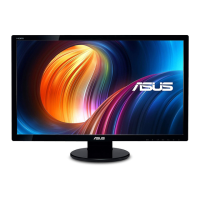
VX249N
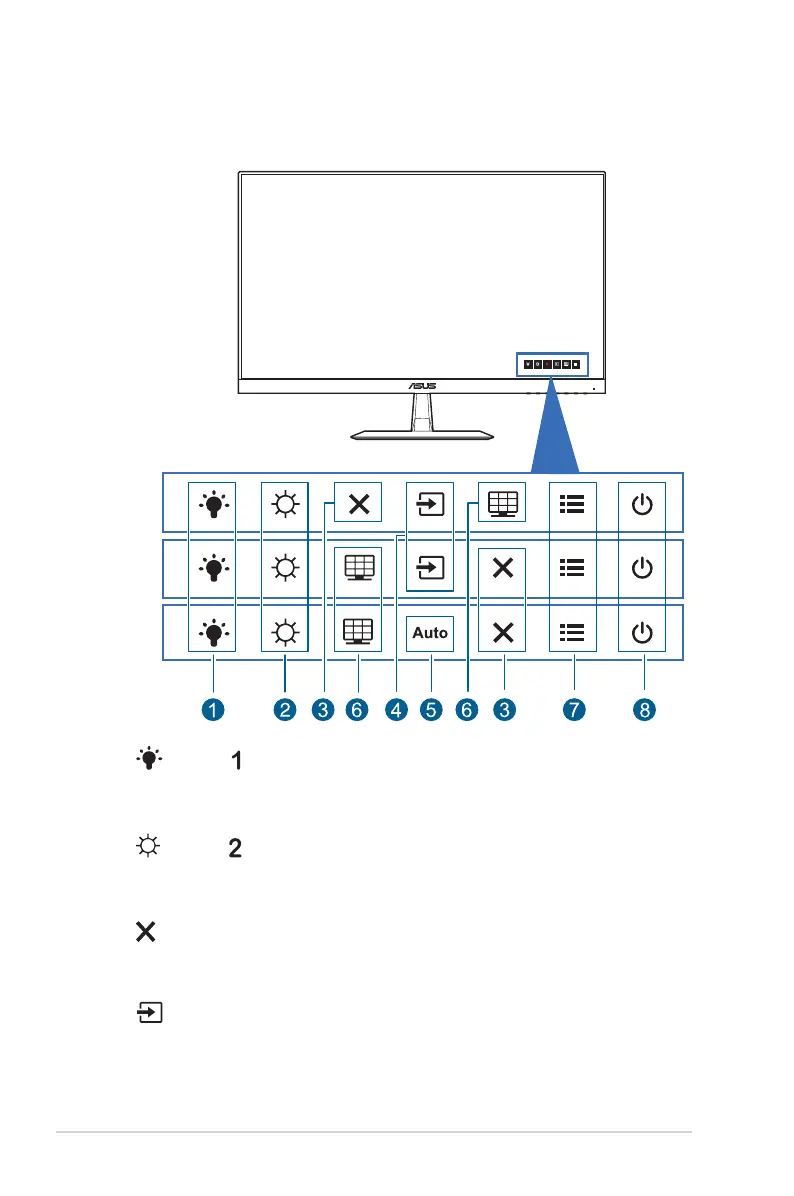
1. Shortcut :
• Default: Blue light lter hotkey.
• To change the hotkey function, go to the Shortcut > Shortcut 1 menu.
2. Shortcut :
• Default: Brightness hotkey.
• To change the hotkey function, go to the Shortcut > Shortcut 2 menu.
3. Button:
• Exits the OSD menu or goes back to the previous menu when the OSD
menu is active.
4. Input Select Button:
• Selects an available input source.


 To Next Page