24
Notebook PC E-Manual
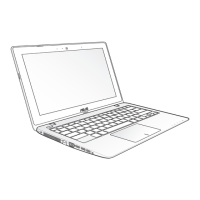
VGA port
This port allows you to connect your Notebook PC to an external
display.
HDMI port
This port is for the HDMI (High-Denition Multimedia Interface)
connector and is HDCP compliant for HD DVD, Blu-ray, and other
protected content playback.
LAN port
Insert the network cable into this port to connect to a local area
network.
USB 3.0 port
The USB 3.0 (Universal Serial Bus 3.0) port provides a transfer rate
of up to 5 Gbit/s and is backward compatible to USB 2.0.
Headphone/Headset/Microphone jack
This port allows you to connect amplied speakers or
headphones. You can also use this port to connect your headset
or an external microphone.


 To Next Page