47
ASUS Xonar D1
No Item Description
1 VoiceEX
It produces realistic and dynamic environmental
reverberation for your voice in 3D gaming communication.
2 Local VoiceEX
It produces realistic and dynamic environmental
reverberation for your voice in 3D gaming communication.
(You can hear your voice form speakers)
3 App List
You can add VOIP application into VOIP application List.
4 ChatEX
It emulates different background environment effects when
you chat online.
5 Magic Voice
Changes your voice pitch to different types for disguising
your real voice or just for fun in online chatting
For 3D Games
1. Check the check box of VoiceEX and Local VoiceEX.
2. Make sure you and your team member can talk each other in the game.
For VOIP
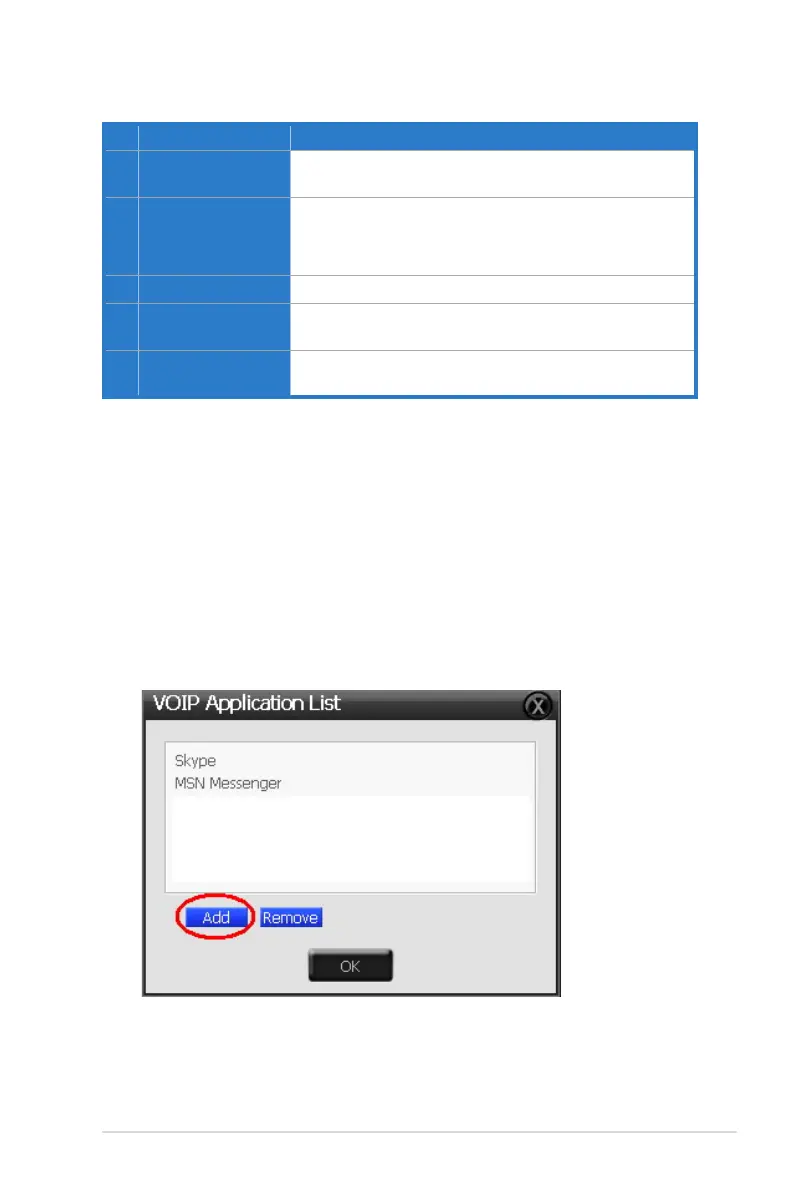
1. Press App List
2. If you don’t see the VOIP application of yours in the list, press Add.(Make
sure the Skype and MSN Messenger are the latest version)



 To Next Page