55
ASUS Xonar D1
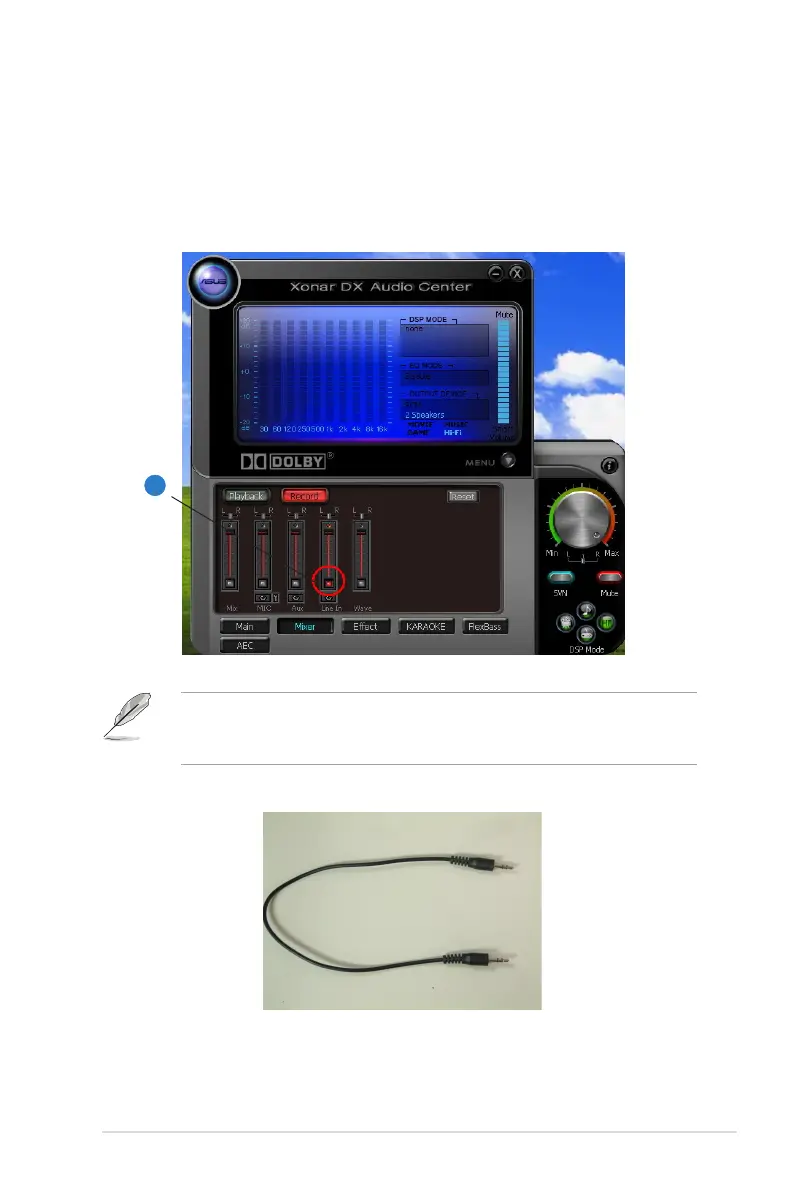
4. Go to the Mixer Recording page and select “Line In” as the recording source.
Click “Reset” to make sure the recording volume is on the default highest
level (0dB). This allows you to get realistic output and input quality ratings for
the Xonar D1 audio card.
You should use an external 3.5mm line cable as follows (as short as possible) to
connect the Front-Out jack to the Line-In jack for loop-back testing. In that case,
please select “Line In” as the recording source on the mixer page.
4
3.5mm Line Cable



 To Next Page