49ASUS Xonar DGX
7. Troubleshooting and FAQs
[Troubleshooting]
The audio card driver could not be installed on my PC.
Instructions:
1. Make sure that you have properly plugged the audio card in the PCIE slot on
your motherboard.
2. Check that the Windows hardware device manager has discovered a
multimedia audio device. If no device is found, please try scanning for new
hardware.
3. Try soft reboot (restart) your Windows.
4. Remove the card, plug it into another PCIE slot, and try again.
I cannot nd the Xonar DGX Audio Center
Instructions:
1. Make sure you have installed the driver
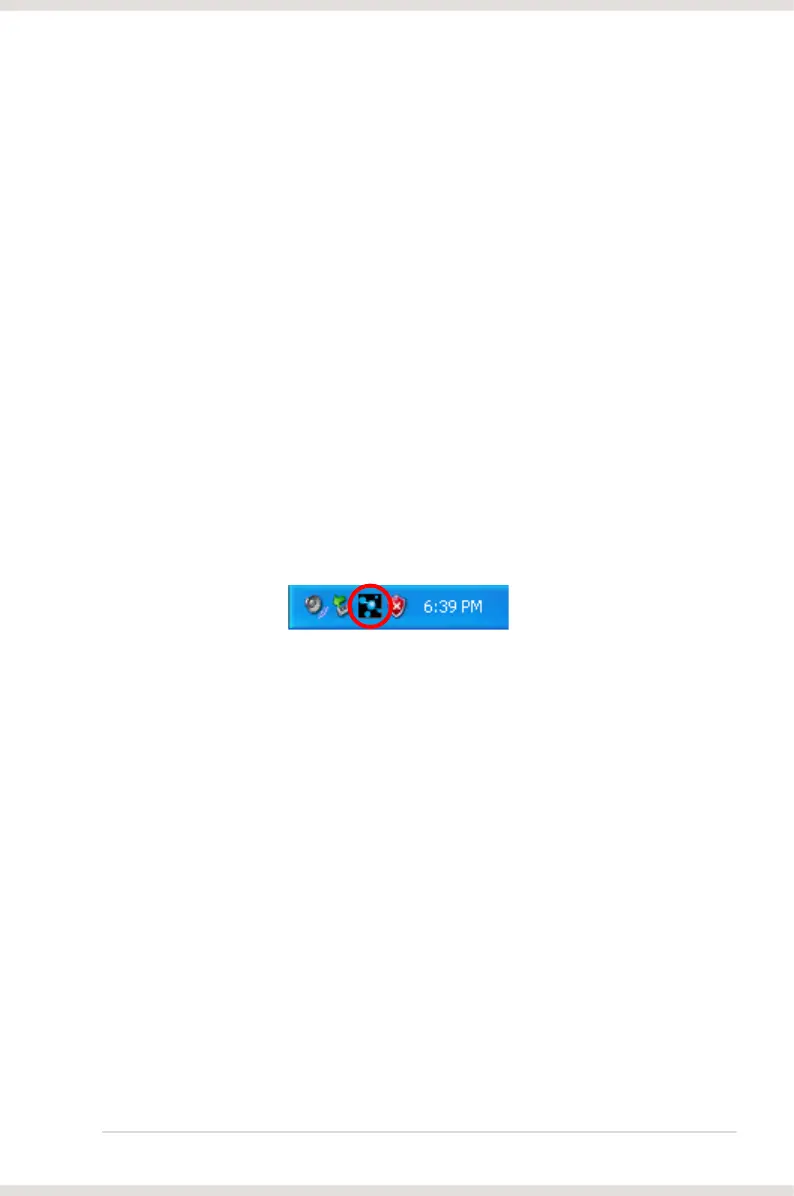
2. Locate the Xonar DGX Audio Center icon in the system tray on the bottom
right-hand corner of the screen. Double-click the icon to open the Xonar DGX
Audio Center utility.
3. If the icon could not be found in the system tray, go to the Windows Control
Panel and double click the “Xonar DGX Audio Center” icon to make it visible
in the system tray again.
try installing the driver package again.
I cannot hear any sound from my analog speakers
Instructions:
1. Ensure that you have connected speakers properly and have powered on
your speakers.
2. Ensure that the device master volume or the software player has NOT been
muted on the Xonar DGX Audio Center.
3. Go to the sound and audio device of Windows Control Panel to check if the
playback default device is set to Xonar DGX Audio Device, instead of other
Audio Device and restart your applications.
4. Try restarting your Windows.



 To Next Page