10
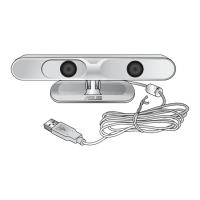
ASUS Xtion
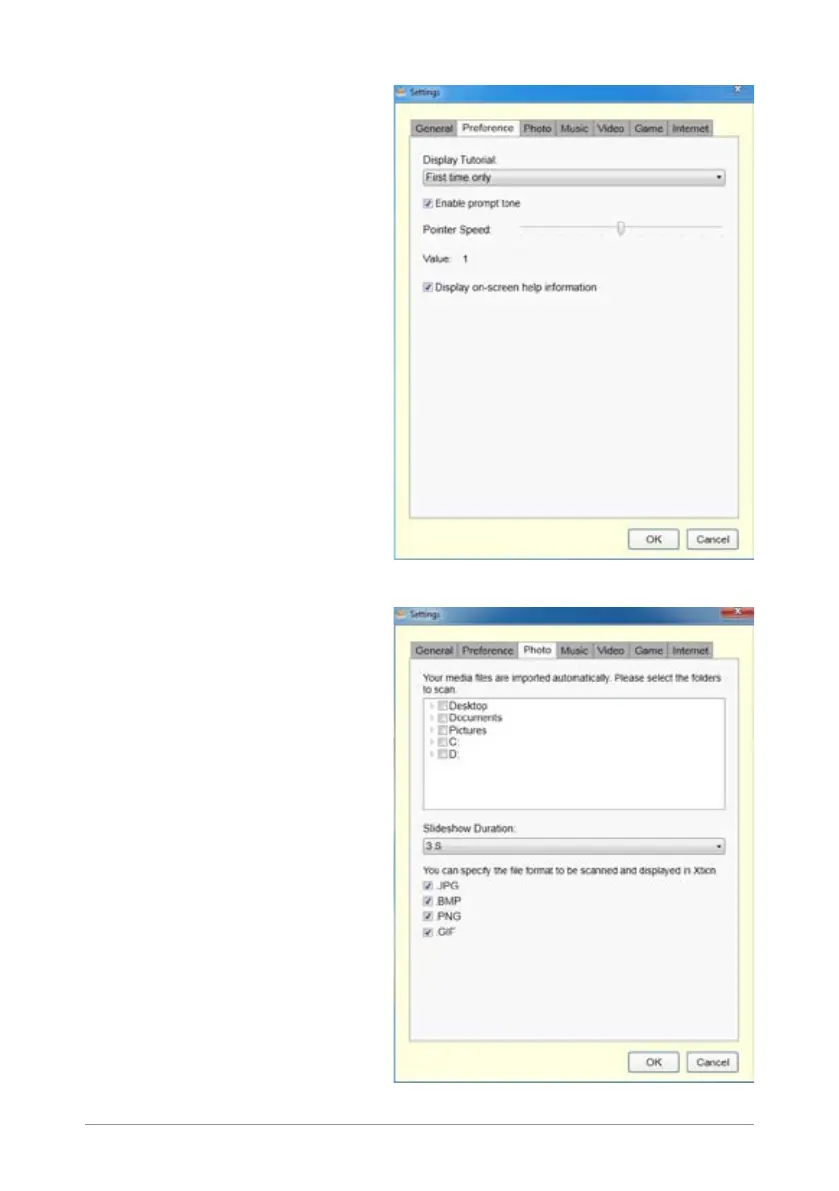
Preference tab
Allows you to set the tutorial
display, slideshow duration,
prompt tone, pointer speed,
and on-screen help information
display.
Photo tab
Allows you to specify the location
of the image les you want to
import and the le format to be
scanned and displayed on your
high-denition monitor.


 To Next Page
 Loading...