9
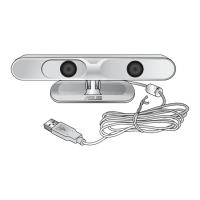
ASUS Xtion
Setting up the Xtion Portal interface
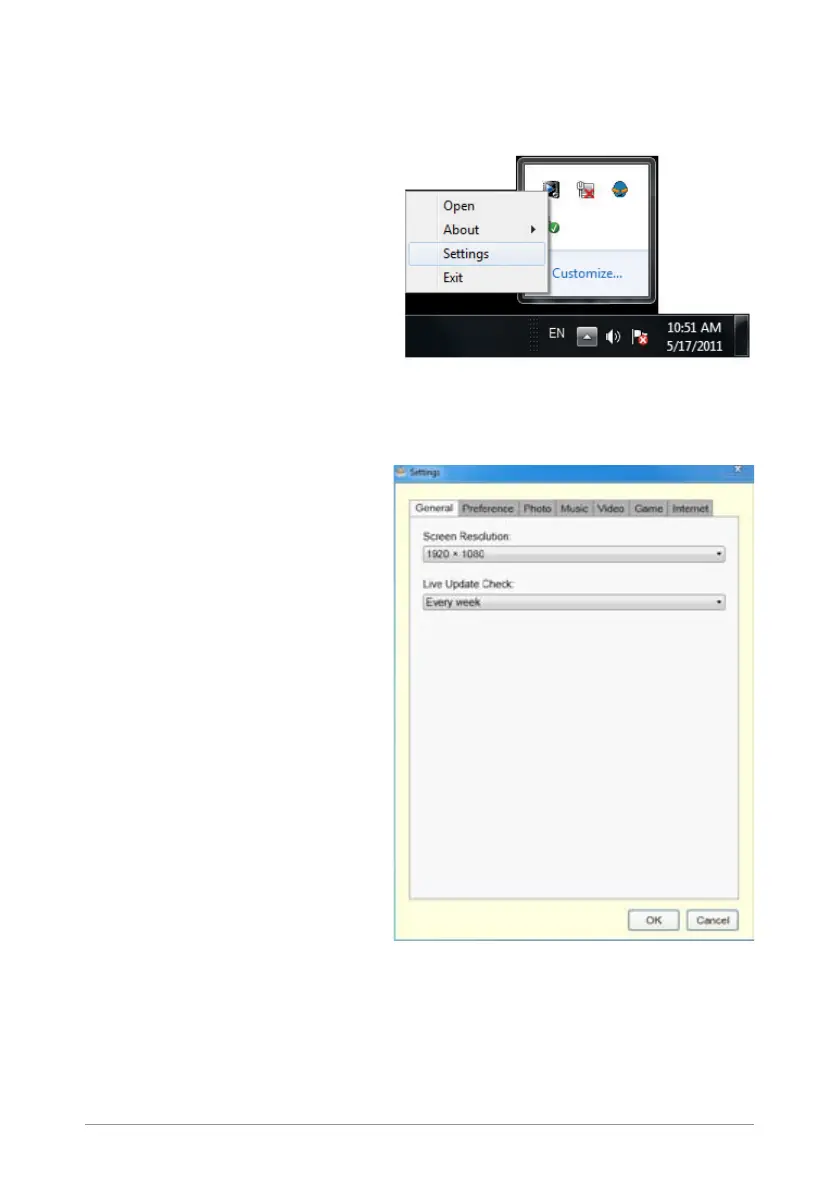
To set up the Xtion Portal interface:
1. Locate the Xtion Portal icon
from the Windows® taskbar
and right-click it to launch the
Settings screen.
2. Click each tab from the Settings screen to display their submenus.
General tab
Allows you to adjust the display
resolution and schedule the Live
Update check.


 To Next Page
 Loading...