8
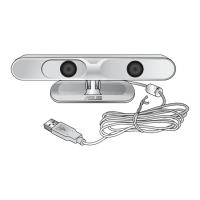
ASUS Xtion
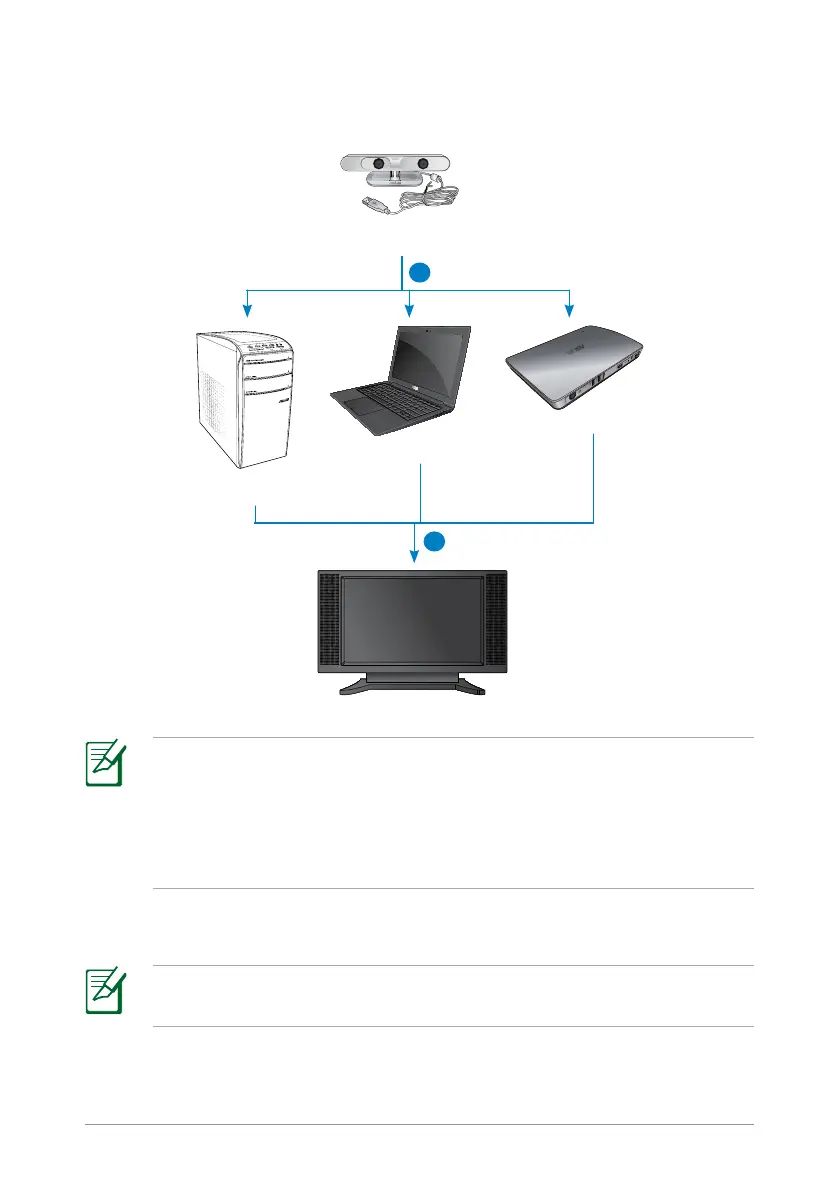
2. Connect your Xtion to the USB port of another device such as a laptop,
desktop PC, or the ASUS WAVI.
2
3
ASUS Xtion
Desktop PC
Notebook
ASUS WAVI
NOTES:
• Directly connect your Xtion to the USB port of your notebook or
desktop PC.
• For details on connecting your Xtion to the ASUS WAVI, refer to the
ASUS WAVI's documentation.
3. Set up the Xtion Portal interface to enjoy a motion-control environment.
NOTE: For more details, refer to the next section Setting up the
Xtion Portal interface.


 To Next Page
 Loading...