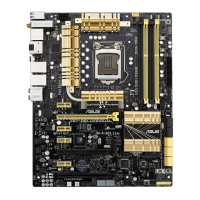
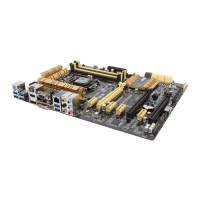
1-21
Chapter 1: Product introduction
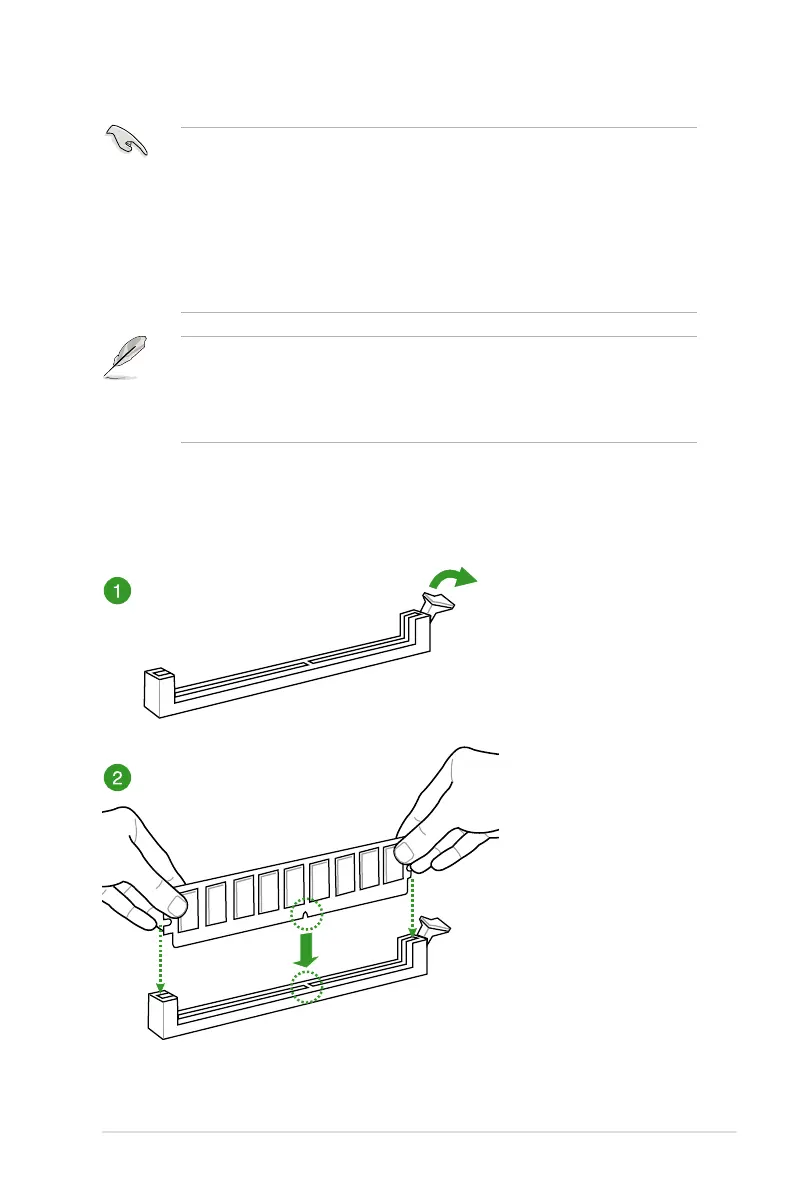
2.3.4 DIMM installation
Side(s): SS - Single-sided DS - Double-sided DIMM support:
(1) Supports one (1) module inserted into any slot as Single-channel memory
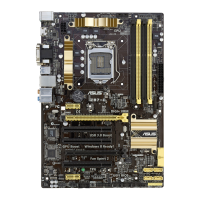
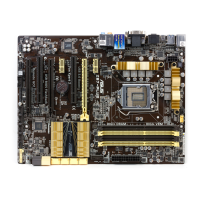
(2) Supports two (2) modules inserted into either the yellow slots or the dark brown slots
modules into slots A2 and B2 for better compatibility.
(4) Supports four (4) modules inserted into both the yellow slots and dark brown slots as
• ASUS exclusively provides hyper DIMM support function.
• Hyper DIMM support is subject to the physical characteristics of individual CPUs. Load
the X.M.P. or D.O.C.P. settings in the BIOS for the hyper DIMM support.
• Visit the ASUS website for the latest QVL.


 To Next Page