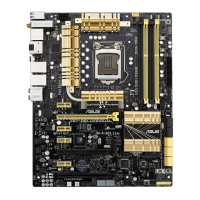
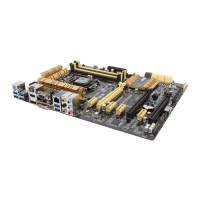
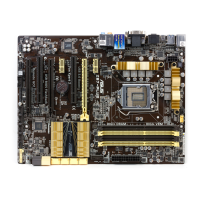
ASUS Z87-PLUS
4-3
Chapter 4
4.3 Software information
application for more information.
4.3.1 AI Suite 3
AI Suite 3 is an all-in-one interface that integrates several ASUS utilities and allows you to
launch and operate these utilities simultaneously.
Installing AI Suite 3
To install AI Suite 3 on your computer:
1. Place the support DVD to the optical drive. The Special tab appears if your computer
has enabled the Autorun feature.
2. Click Utilities tab > AI Suite 3.
3. Follow the onscreen instructions to complete the installation.
4. After the AI Suite 3 is installed, restart your computer.
Using AI Suite 3
You can launch the AI Suite 3 for the following Windows
®
operating systems:
• For Windows
®
7, click
• For Windows
®
8, click the AI Suite 3 app from the Start Screen.
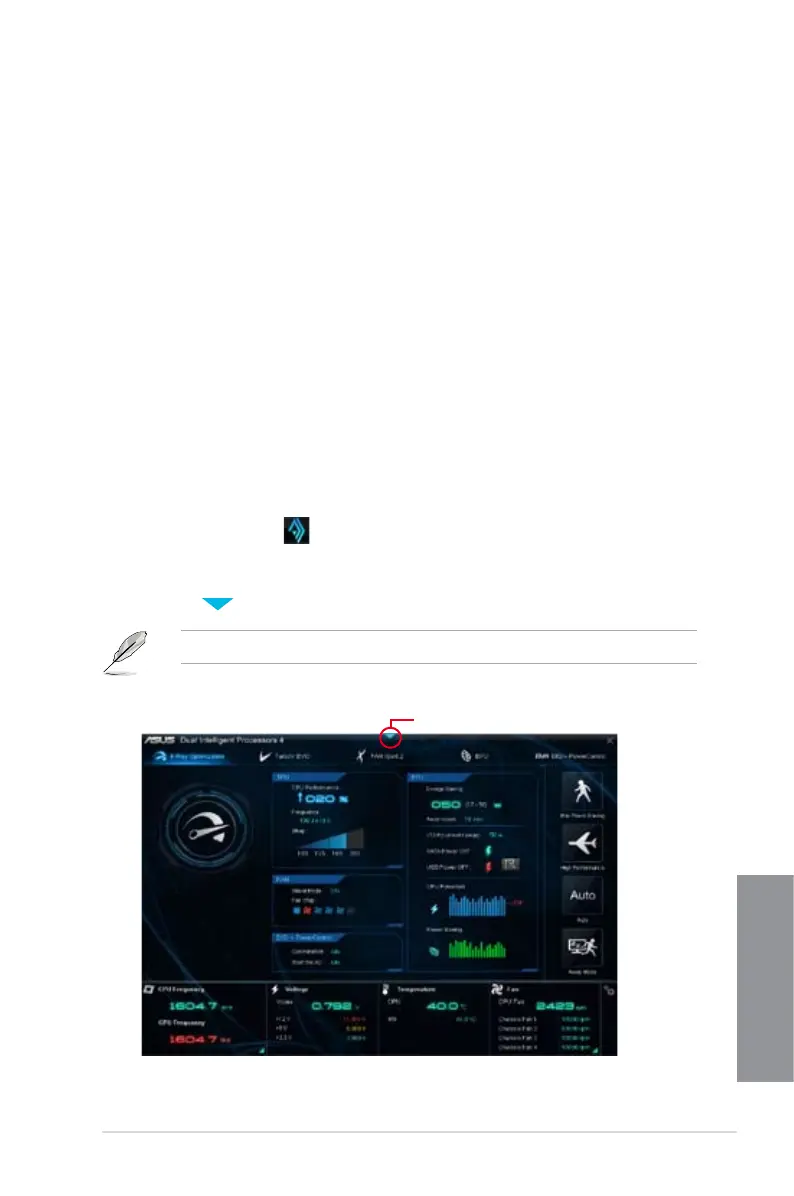
When launched, the main screen of the AI Suite 3 appears. To go to the AI Suite 3 main
menu bar, click on the top edge of the screen.
The main screen of the AI Suite 3 is for reference only and vary with models.
Main screen
Click to launch AI Suite 3 menu bar


 To Next Page