136
Chapter 10: Zen Everywhere
Reading Mode
Turn on the Reading Mode to automatically optimize the color of the screen for a more comfortable
reading experience.
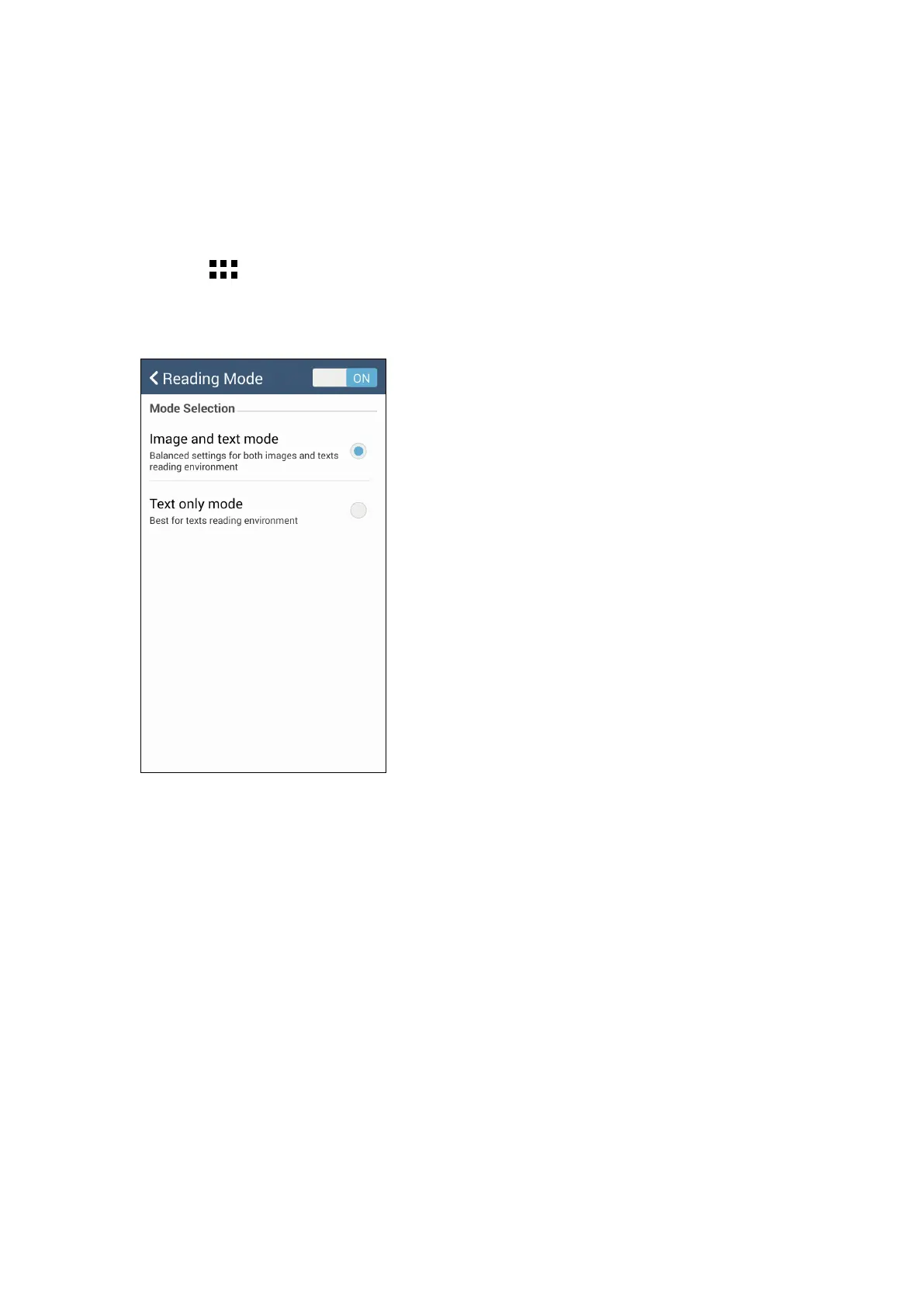
1. From your Home screen, do any of the following to launch the Reading Mode screen:
• Tap Reading mode from the Quick settings panel.
• Tap
> Settings > Display > Reading mode.
2. From the Reading Mode screen, move the slider to ON, then select any of these modes: Image
and text mode, and Text only mode.



 To Next Page