49
Chapter 4: Keeping in touch
Assigning a preferred micro SIM card
Assign a micro SIM card as your preferred SIM for voice calls and data services.
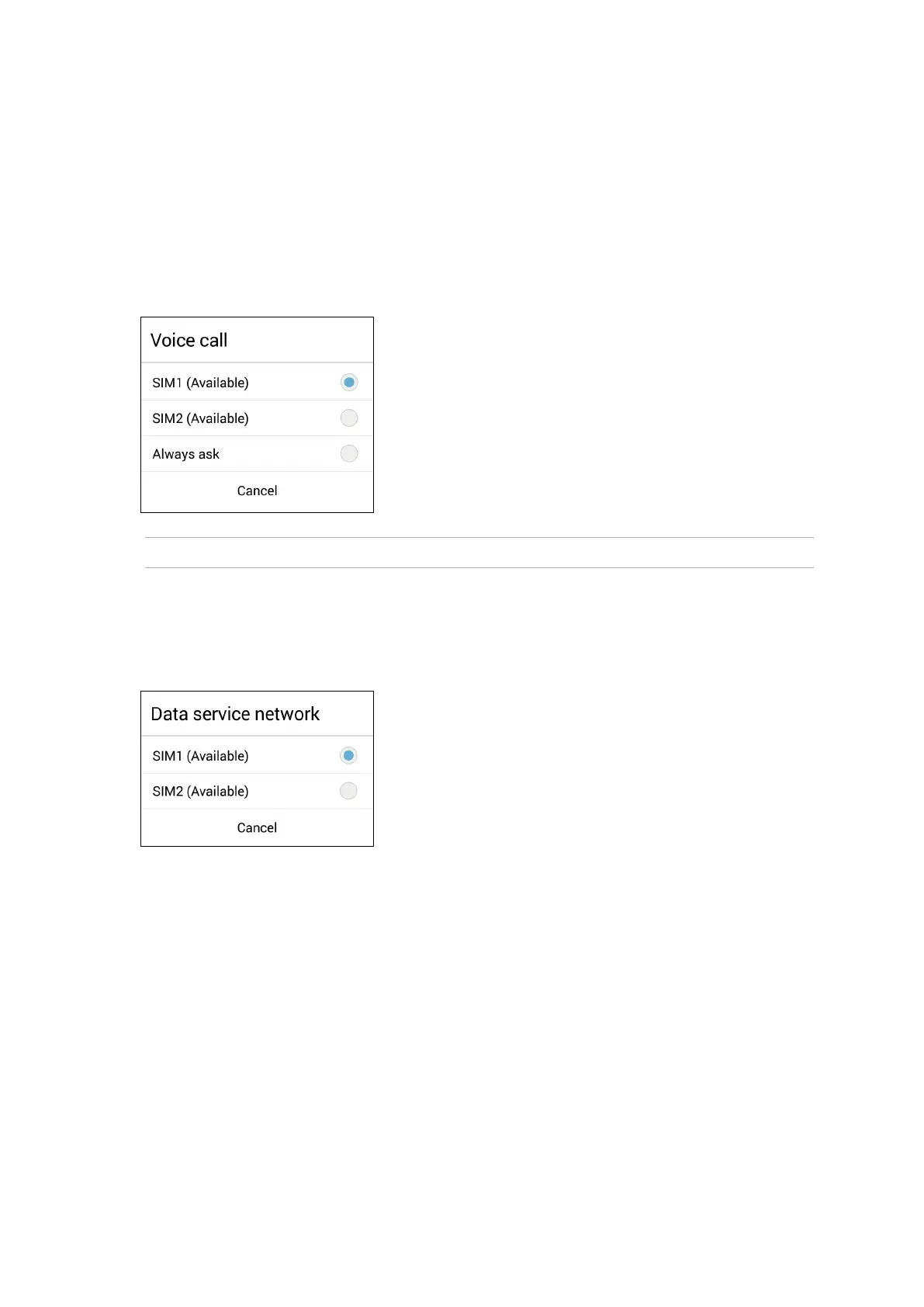
SIM card for voice calls
When you make a call, your Zen device automatically uses the preferred micro SIM card to connect
the call.
To assign a micro SIM card for voice calls, tap Voice call then tap the SIM that you want to use.
IMPORTANT! You can only use this feature if you make a call from your contacts list.
SIM card for data service
To assign a micro SIM card for data service, tap Data service network then select from SIM1 or
SIM2.



 To Next Page